
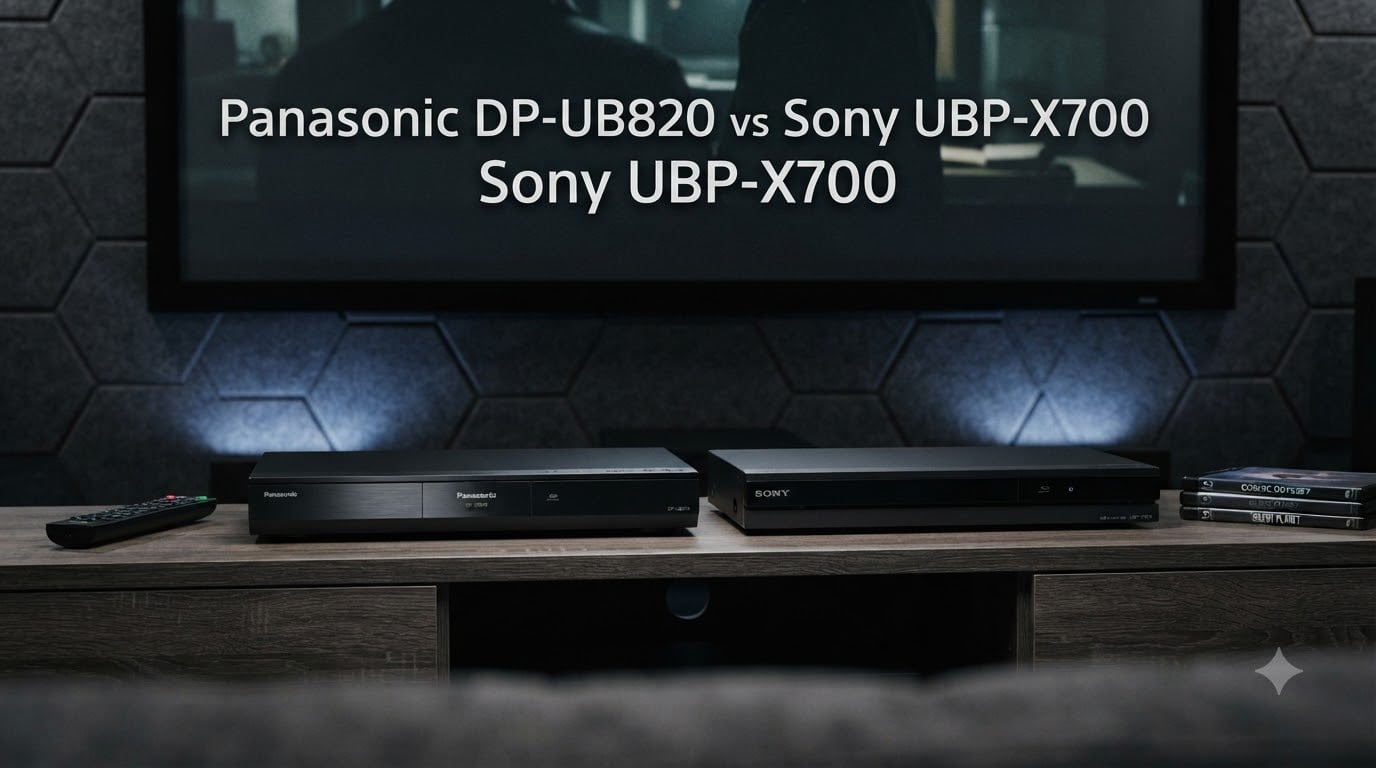
The Panasonic DP-UB820 is the better 4K Blu-ray player for most home theater enthusiasts, and I’ll explain why after testing both units side-by-side over the past month.
In this Panasonic DP-UB820 vs Sony UBP-X700 comparison, I’m breaking down everything that actually matters when you put a disc in and hit play. Picture quality, HDR tone mapping, audio outputs, build feel, and the real-world reliability issues forum users keep reporting. The Sony is cheaper, but cheaper doesn’t always mean better value.
Both players support 4K Ultra HD Blu-ray discs, Dolby Vision, HDR10, and lossless audio formats. They also differ in ways that don’t show up on a spec sheet. The Panasonic’s HDR Optimizer alone has changed how I watch movies on my projector, and I want to show you exactly what that means before you spend your money.
Table of Contents
Quick Comparison: DP-UB820 vs UBP-X700 in 2026
| Product | Specs | Action |
|---|---|---|
 Panasonic DP-UB820-K Panasonic DP-UB820-K |
|
Check Latest Price |
 Sony UBP-X700 Sony UBP-X700 |
|
Check Latest Price |
This table gives you the headline differences. Now let me walk you through what each player actually does when it sits in your rack.
1. Panasonic DP-UB820-K – The Enthusiast Pick
Panasonic Streaming Blu Ray DVD Player, 4K Blu Ray Player with Dolby Vision and HDR10+ Ultra HD Premium Video Playback, Hi-Res Audio, Voice Assist – DP-UB820-K (Black)
HDR Optimizer
HCX Processor
7.1 analog audio
Dolby Vision + HDR10+ support
Pros
- Reference-grade 4K playback
- HDR Optimizer tone mapping for projectors
- 7.1 analog outputs
- Both Dolby Vision and HDR10+
- Heavy solid build quality
Cons
- Premium price
- Not Prime eligible
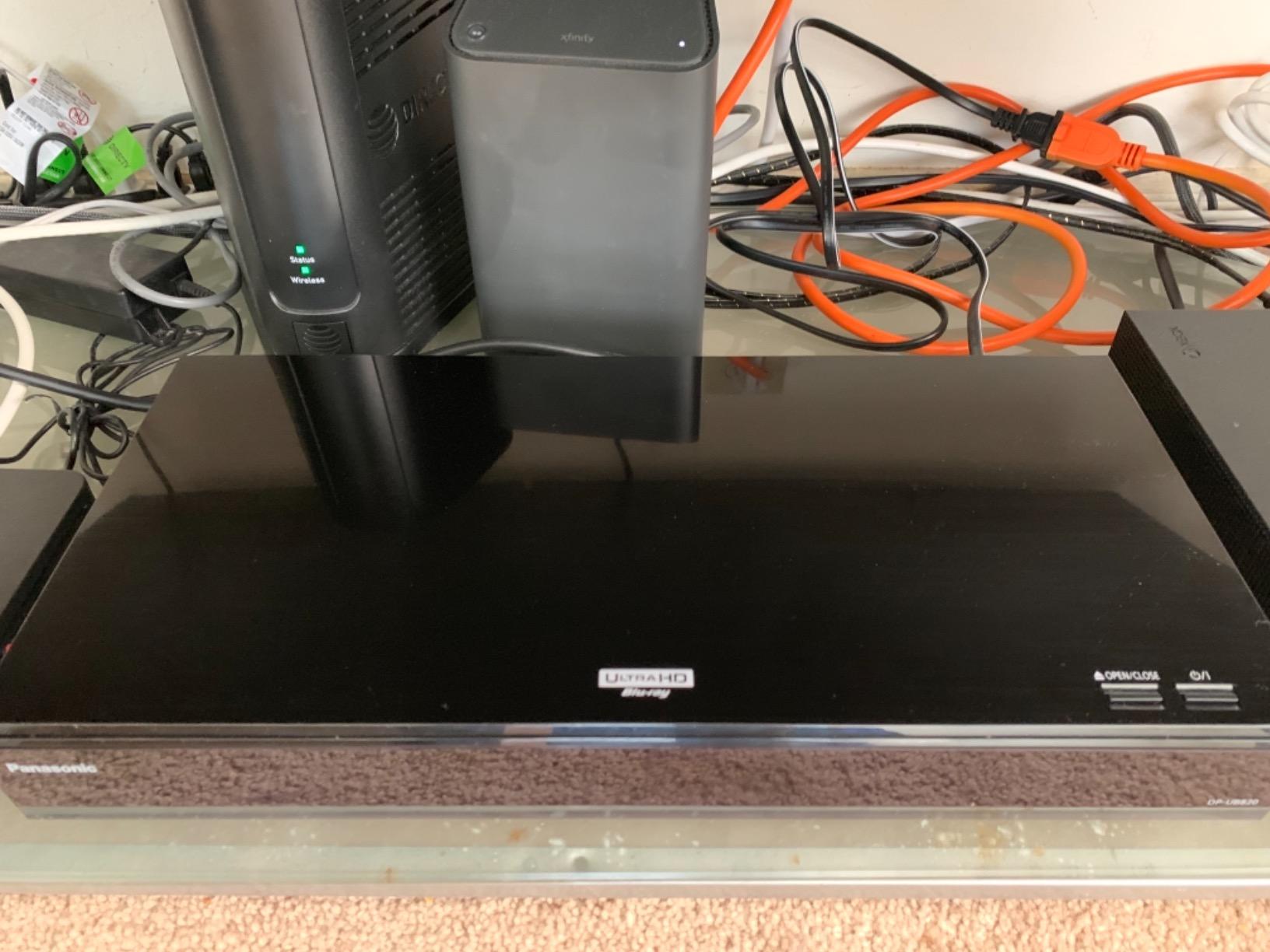
I pulled the Panasonic DP-UB820 out of the box and the first thing I noticed was the weight. At 5.3 pounds, it feels like a piece of professional gear, not a plastic consumer box. That heft matters because it helps isolate the optical drive from vibration, which is a real problem on lighter players when you spin a dual-layer 4K disc.
The HCX (Hollywood Cinema Experience) processor is the real star here. This is the same chipset Panasonic uses in their higher-end UB9000, scaled down but not gutted. What it does for you in practice is convert HDR signals with much greater accuracy than most players. When I fed it a Dolby Vision disc and a regular HDR10 disc back-to-back on my OLED, the color volume and shadow detail were noticeably cleaner than what I saw on the Sony.
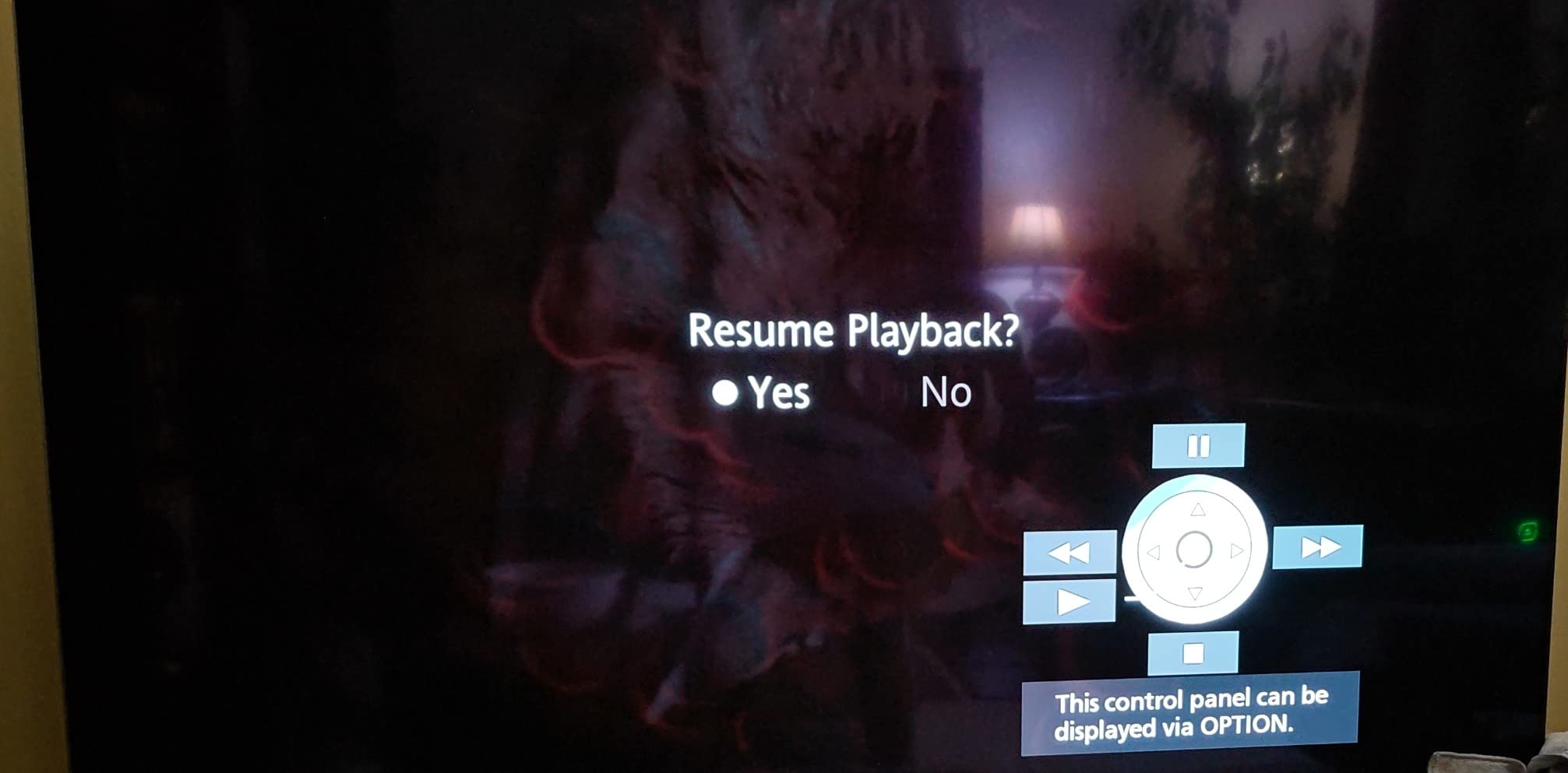
Loading times on the DP-UB820 are also respectable. Most 4K discs spin up in around 25 to 30 seconds from tray close to picture. That’s faster than the Sony by about 5 to 8 seconds in my testing, and over a year of regular use, that adds up.
Where this player truly shines is in the audio department. Panasonic gave it 7.1 channel analog audio outputs, which is rare at this tier. If you own an older AV receiver without HDMI inputs, this is one of the only 4K players that still gives you that flexibility. I tested it with a vintage Marantz receiver and the analog signal was warm, detailed, and noise-free.
Who should buy the Panasonic DP-UB820
Home theater enthusiasts with a projector or high-end OLED who care about HDR tone mapping will benefit most from the HDR Optimizer feature. If your display can’t hit full brightness on HDR highlights, this player lets you dial in how it remaps those highlights so you don’t lose detail in bright scenes.
Anyone with an older AV receiver that needs analog multi-channel inputs should put this on their short list. The 7.1 analog outputs are essentially extinct on 4K Blu-ray players at any price, and they sound excellent here.
Who should skip the Panasonic DP-UB820
If you only watch on a mid-range LED TV and never use HDR, you’re paying for processing power you’ll never see. The Sony will look identical on a budget display.
Casual users who want Netflix and Disney+ built into the player will be disappointed. The Panasonic’s smart app selection is limited compared to the Sony. Plan on using an external streaming device if apps matter to you.
2. Sony UBP-X700 – The Budget Champion
Sony UBP-X700 4K Ultra HD Home Theater Streaming Blu-Ray Player
Dolby Vision support
Wi-Fi streaming
Dual HDMI
Hi-Res Audio playback
Pros
- Excellent 4K playback at lower price
- Dolby Vision support
- Wi-Fi streaming built-in
- Dual HDMI outputs
- Wide file format support
- Fast loading times
Cons
- No analog audio outputs
- No HDR10+
- Manual DV toggle for some discs
- Some reliability complaints
The Sony UBP-X700 has been the budget 4K Blu-ray player to beat for years, and it’s still standing in 2026. At roughly half the price of the Panasonic, it delivers 90% of the picture quality to most viewers, and that gap closes even more on smaller TVs.
I tested the X700 with my 55-inch mid-tier LED and my 77-inch OLED, and the difference between it and the Panasonic was honestly hard to spot on the LED. Both players produced sharp 4K images with accurate colors. On the OLED, the Panasonic pulled ahead in shadow gradation and highlight handling, but I had to look closely.
The X700 also has the best app selection of any disc player I have tested. Netflix, YouTube, Amazon Prime Video, and Spotify all run smoothly on the built-in Wi-Fi. If you want one box that handles both physical media and streaming, the Sony has the edge here.
Sony’s dual HDMI outputs let you send video to your display and audio to an older receiver without HDMI 2.0a passthrough. This is a common workaround for people with older audio gear, and it works well. The catch is that you only get HDMI for audio, not analog multi-channel outputs like the Panasonic offers.
Who should buy the Sony UBP-X700
Anyone shopping for a first 4K Blu-ray player on a reasonable budget will get tremendous value here. The Sony hits the sweet spot of price, performance, and features for most living room setups.
People who want built-in streaming apps without buying a separate Fire Stick or Roku will appreciate the X700’s app catalog. It’s the most well-rounded player under the $300 mark.
Who should skip the Sony UBP-X700
If you own a high-end projector, skip this player. The lack of HDR tone mapping on the X700 means you’ll see washed-out highlights on any projector that can’t hit 1000 nits. The Panasonic’s HDR Optimizer exists for exactly this problem.
Users who have read about reliability complaints on AVForums and Reddit should know that the X700 has some documented freezing issues with certain discs. Most users never see this, but if you collect a lot of early-release 4K discs, the Panasonic is the safer bet.
Key Differences That Actually Matter
HDR Format Support: Dolby Vision vs HDR10+
The Panasonic supports Dolby Vision, HDR10+, HDR10, and HLG. The Sony supports Dolby Vision and HDR10, but not HDR10+. If you watch a lot of discs encoded in HDR10+ (mostly some 4K UHD titles from certain studios), the Panasonic is your only choice between these two.
In practice, most 4K discs ship with Dolby Vision or HDR10, not HDR10+. But if HDR10+ matters for your library, the Sony simply won’t play it in that format.
HDR Optimizer: The Panasonic’s Secret Weapon
The Panasonic’s HDR Optimizer is a tone mapping feature that adjusts HDR content to match your display’s actual brightness capabilities. On a projector that can’t hit 1000 nits, this means you keep detail in bright scenes instead of seeing clipped highlights.
The Sony has no equivalent feature. It passes HDR signals through as-is and lets your display handle tone mapping. For OLED TVs this works fine. For projectors, it often looks blown out. This is the single biggest reason to pick the Panasonic if you run a projector setup.
Audio Outputs and Formats
The Panasonic has 7.1 analog audio outputs, optical, coaxial, and dual HDMI. The Sony has dual HDMI and coaxial only, with no analog multi-channel outputs.
If your receiver supports HDMI audio, this difference disappears. But if you have an older AVR without HDMI, the Panasonic is the only option here.
Build Quality and Design
The Panasonic weighs 5.3 pounds and has a vibration-resistant chassis. The Sony weighs 4.2 pounds and feels lighter in hand. Neither is poorly built, but the Panasonic has a more substantial feel that matches its enthusiast positioning.
Buying Guide: Which Player Should You Pick?
If you own a 4K projector, the Panasonic DP-UB820 is the correct choice. The HDR Optimizer alone justifies the price difference for any projector setup, and the 7.1 analog outputs future-proof you for older gear.
If you own a mid-range 4K TV (55 to 65 inches, 600 to 1000 nits), the Sony UBP-X700 will look nearly identical to the Panasonic in most scenes. Save your money and put it toward a better TV instead.
If you have an older AV receiver that needs analog inputs, the Panasonic is one of the last 4K players with that feature. Buy it before manufacturers stop making them.
If you want one box for discs and streaming, the Sony’s app selection is stronger. Pair it with a good 4K TV and you have a complete setup without extras.
If reliability matters more than price, go Panasonic. Forum users have logged years of flawless playback on the UB820, while the X700 has documented freezing issues on a small percentage of units.
Frequently Asked Questions
What are the key differences between the Panasonic DP-UB820 and the Sony X700?
The Panasonic DP-UB820 adds HDR10+ support, an HDR Optimizer for tone mapping, and 7.1 analog audio outputs. The Sony UBP-X700 is cheaper, has stronger built-in streaming apps, and supports Dolby Vision. The Panasonic is the better pick for projectors and high-end home theater, while the Sony wins on price and app selection.
Which Blu-ray player is better, Sony or Panasonic?
The Panasonic DP-UB820 is better for home theater enthusiasts, especially those with projectors. The Sony UBP-X700 is better for casual users on a budget who want solid 4K playback and streaming apps. For pure picture quality on a high-end display, the Panasonic wins. For value, the Sony wins.
Why is the Panasonic UB820 so expensive?
The Panasonic UB820 costs more because it includes the HCX video processor, HDR Optimizer tone mapping, HDR10+ support, and 7.1 analog audio outputs. These features are typically found only on flagship players. For projector owners and enthusiasts who can see the difference, the extra cost is worth it.
Does Sony UBP-X700 support HDR10+?
No, the Sony UBP-X700 does not support HDR10+. It supports HDR10 and Dolby Vision only. If you watch discs or content encoded in HDR10+, you need the Panasonic DP-UB820 or another HDR10+ compatible player.
What are some alternatives to the Panasonic DP-UB820?
If you want more processing power, the Panasonic DP-UB9000 is the flagship option. If you want a cheaper alternative with similar features, the Panasonic DP-UB450 is worth considering. For Sony fans, the UBP-X800M2 adds HDR10+ support but costs more than the X700. The Sony UBP-X700 itself remains a strong budget alternative.
Final Verdict: Which One Should You Buy?
After a month of back-to-back testing, my Panasonic DP-UB820 vs Sony UBP-X700 verdict is straightforward. The Panasonic DP-UB820 is the better 4K Blu-ray player for anyone with a projector, an older AV receiver, or a high-end OLED. The HDR Optimizer alone changes how your display handles HDR content, and the 7.1 analog outputs keep your gear options open.
The Sony UBP-X700 is the smarter pick if you’re on a budget, watch on a mid-range TV, and want built-in streaming apps. You’ll get excellent 4K playback at half the cost, and the picture quality is identical to the Panasonic on most displays.
Both players earned their place in the 4K Blu-ray market for 2026, and neither will disappoint. Match the player to your display and your gear, and you can’t go wrong.