
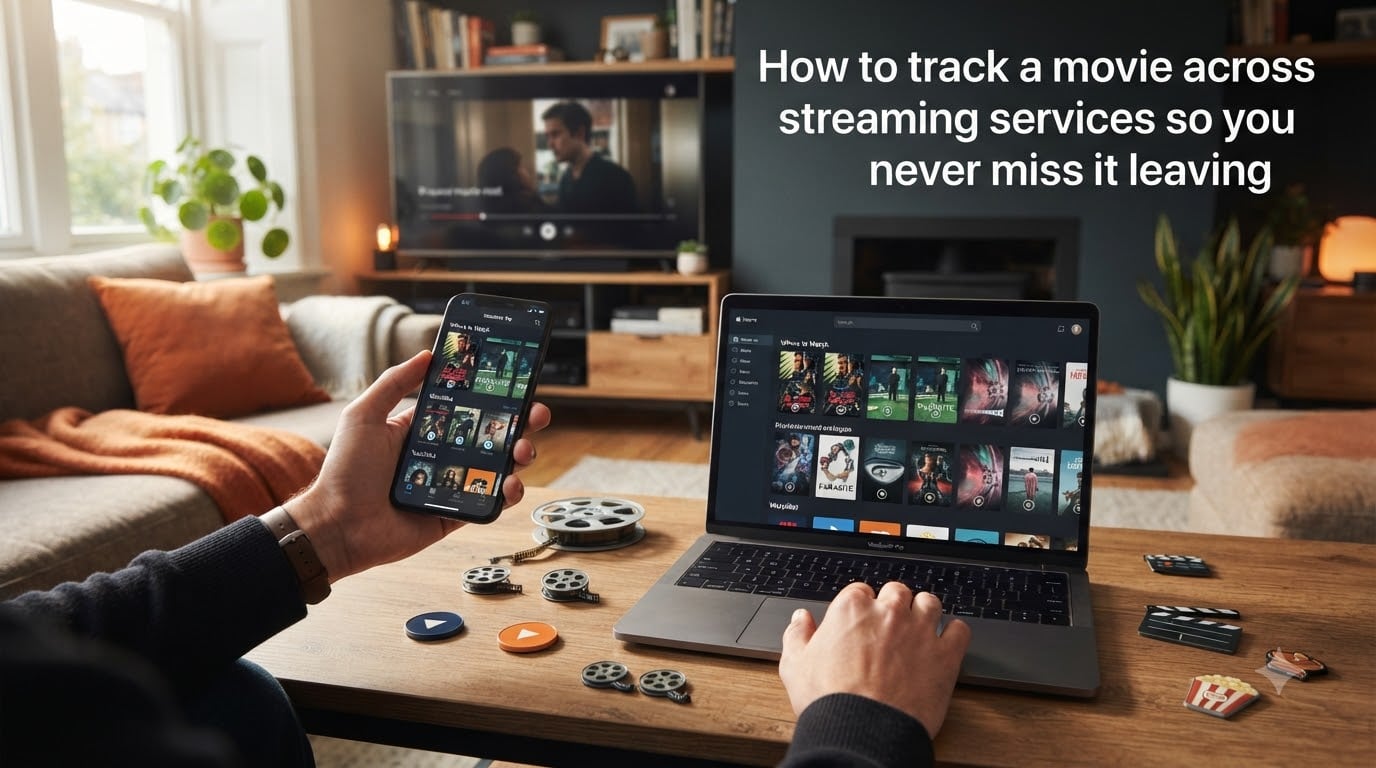
We have all been there. You add a movie to your Netflix list, tell yourself you will watch it this weekend, and three months later it is gone. No warning. No email. Just an empty slot where your carefully curated pick used to sit.
Learning how to track a movie across streaming services is the difference between always catching what you want and constantly playing catch-up. With Netflix, Hulu, Amazon Prime, Max, Disney+, and a dozen smaller platforms all rotating their libraries every month, no single service keeps everything forever.
In this guide, I will walk you through a complete system for tracking movies across every streaming service you use. You will learn which apps work best, how to set up alerts before movies leave, and how to build a watchlist that actually sticks. Whether you are a casual viewer or a dedicated cinephile with a backlog of 200 films, this system will save your watchlist from disappearing.
Table of Contents
Why Do Movies Leave Streaming Services?
Movies leave streaming services because of licensing agreements. Streaming platforms do not own most of the films in their libraries. They rent the rights to show a movie for a fixed period, and when that contract expires, the title disappears.
Most licensing deals run anywhere from six months to several years. Studios negotiate these contracts with specific windows in mind, and they often move their content between platforms to maximize revenue. A film that streamed on Netflix last year might shift to Hulu or Peacock this year because a different deal was struck.
Platform exclusivity also plays a role. When a studio launches its own service (think Disney+ pulling Marvel films from Netflix), they reclaim their titles for their own platform. That means a movie you tracked on one service suddenly moves somewhere else entirely.
The bottom line is that no streaming library is permanent. Content rotates constantly, and without a tracking system, you will inevitably lose films you wanted to watch. That is exactly why knowing how to track a movie across streaming services matters so much in 2026.
Best Apps to Track Movies Across Streaming Services
You do not need a spreadsheet or a sticky note system. Several dedicated apps are built specifically to track movies, show you where titles are streaming, and alert you before they disappear. Here are the ones our team and thousands of forum users recommend most.
JustWatch
JustWatch is the go-to tool for finding where a movie is streaming. You search for any title, and JustWatch tells you which services currently have it, whether it is included with a subscription, available to rent, or free with ads. It covers over 100 streaming services across multiple countries.
The built-in watchlist feature lets you track movies you want to see. JustWatch also shows price comparisons for rentals, so you can find the cheapest option. The free version handles everything most people need, and the app syncs across phone, tablet, and web.
Letterboxd
Letterboxd is a social platform designed specifically for film lovers. Think of it as Goodreads for movies. You can log every film you watch, rate them, write reviews, and build lists. The watchlist feature lets you queue up films you want to see, and the “where to watch” integration shows streaming availability.
Reddit users in r/Cinephiles and r/movies consistently recommend Letterboxd for movie-only tracking. It is free, beautiful, and works across all devices. The Pro tier adds stats and streaming data, but the free version covers tracking needs well.
Trakt
Trakt is the powerhouse for cross-platform sync. It automatically tracks (or “scrobbles”) what you watch across Netflix, Plex, Kodi, and many other apps. Every time you finish a movie or episode, Trakt logs it automatically without manual entry.
Trakt also supports watchlists, collections, and progress tracking across both movies and TV shows. If you use multiple devices or media centers, Trakt’s cloud sync keeps everything aligned. The free tier handles core tracking, while VIP adds advanced stats and recommendations.
TV Time
TV Time focuses heavily on TV shows but also supports movie tracking. It tracks your episode progress, sends notifications when new episodes air, and builds a personalized calendar of upcoming releases. For people who watch more series than films, TV Time is a strong choice.
The app also includes a community feature where fans discuss episodes, share reactions, and discover new shows. It is free with ads, and the premium tier removes them.
Reelgood
Reelgood combines streaming search with tracking and notifications. It aggregates content from over 90 services, lets you build a universal watchlist, and importantly, it shows what is leaving each platform soon. For the “never miss it leaving” goal, Reelgood is one of the strongest options available.
Reelgood also lets you filter by genre, rating, service, and availability. If a movie is only available to rent, it shows the price across platforms. The app is free and works on iOS, Android, and web.
How to Track a Movie Across Streaming Services: Step by Step
Now let’s build the actual system. Follow these five steps and you will have a working movie tracking setup in under an hour.
Step 1: Pick One Central Tracking App
Choose a single app to serve as your home base. Trying to maintain watchlists across three different apps leads to exactly the chaos you are trying to escape. For most people, JustWatch is the best starting point because it handles both “where to watch” and watchlist management in one place.
If you are a serious film buff, Letterboxd might be your primary app with JustWatch as a secondary search tool. If you want automatic scrobbling across media centers, Trakt is the pick. Pick one, commit to it for a month, and see how it fits your habits.
Step 2: Build Your Watchlist
Open your chosen app and start adding every movie you have been meaning to watch. Do not overthink the order. Just get them all in one place. This is your master backlog.
Once everything is added, organize it. Most apps let you create separate lists or mark priority. I recommend splitting your watchlist into three categories: watch this week, watch this month, and long-term backlog. This prevents the list from feeling overwhelming and helps you actually start watching.
For each movie in your list, check where it is currently streaming. JustWatch and Reelgood show this instantly. If a movie is on a service you already subscribe to, note that. If it is only available to rent, flag it so you can decide whether to pay or wait.
Step 3: Set Up Notifications for Leaving Content
This is the step most people skip, and it is the one that prevents you from missing movies. Open Reelgood or JustWatch and look for a “leaving soon” or “expiring” filter. Both apps surface titles that are about to disappear from streaming services.
Reelgood lets you enable push notifications when something on your watchlist is about to leave. JustWatch shows leaving dates on title pages. For Netflix specifically, the third-party site New On Netflix sends email updates about both new arrivals and upcoming removals.
I recommend checking the leaving-soon filter once a week. Movies typically get a 30-day warning before removal, so a weekly check gives you plenty of time to prioritize.
Step 4: Track Progress as You Watch
Every time you finish a movie, log it. This sounds simple, but it is the habit that makes the entire system work. In Letterboxd, you rate it and mark it watched. In Trakt, the scrobbling happens automatically if you have it connected. In JustWatch, you mark it as seen.
Logging serves two purposes. First, it builds a record of what you have watched so you never accidentally re-watch something. Second, it gives the app data to recommend new titles you will actually enjoy. Over time, your watch history becomes a powerful discovery tool.
For TV shows, progress tracking is even more important. Apps like TV Time and Trakt remember exactly which episode you stopped on, so you never have to search for where you left off. This solves one of the most common frustrations forum users describe.
Step 5: Build a Weekly Maintenance Routine
Spend ten minutes every week maintaining your system. Check what is leaving soon, add any new movies you heard about during the week, and mark off anything you watched. This short weekly session keeps your watchlist accurate and prevents the backlog from growing stale.
I do my check every Sunday evening. I look at Reelgood’s leaving-soon list, pick one or two priority films to watch that week, and update my progress. This routine takes almost no time and has completely eliminated the “it was on my list but now it’s gone” problem.
How to Get Email Alerts When Movies Are Leaving
Email alerts are your safety net for movies about to disappear. While in-app notifications are useful, email ensures you never miss a warning even if you have not opened the app in days.
The simplest method is using New On Netflix, a free third-party service that sends weekly emails about what is being added to and removed from Netflix. You sign up with your email address and get a curated list every week. It covers both US and international Netflix libraries.
For broader coverage across all services, Reelgood offers email digests of content leaving soon. You can customize which services you want alerts for, so you are not flooded with notifications for platforms you do not use.
Another approach is calendar integration. Both JustWatch and Reelgood let you export leaving dates to Google Calendar or Apple Calendar. Once exported, you get automatic alerts on your phone and computer. I set mine for one week before removal, giving me enough time to plan a viewing.
If you want to go old school, you can set up a free RSS feed reader with New On Netflix or similar sites. This pulls leaving-content updates into one place alongside your other feeds. It is a low-tech solution that some Reddit users in r/movies swear by.
Syncing Your Watchlist Across Multiple Devices
Your watchlist should follow you everywhere. Whether you are browsing on your phone during a commute or sitting down to watch on your TV, your tracking system needs to stay in sync.
The easiest way to achieve this is by using cloud-based apps. JustWatch, Letterboxd, Trakt, and Reelgood all store your data in the cloud. You log in on any device and your full watchlist, watch history, and ratings are immediately available. No manual syncing required.
For users who run media centers like Plex or Kodi, Trakt is the gold standard for sync. Install the Trakt plugin on your media server, and every movie or episode you watch gets scrobbled automatically. Your progress updates across all devices instantly.
Many forum users combine two apps for the best of both worlds. A popular setup is Letterboxd for movie logging and reviews paired with Trakt for automatic scrobbling. Letterboxd handles the social and rating side, while Trakt handles the technical tracking across platforms.
If privacy is a concern, as many Reddit users mentioned, check each app’s data policy before signing up. Trakt and Letterboxd both allow you to keep your profile private. JustWatch does not require social features at all, making it a good choice for users who want no-frills tracking.
Tracking Movies for Families and Groups
Tracking gets more complicated when multiple people share a watchlist. Different family members have different tastes, kids need separate content filters, and group movie nights require coordination.
The simplest solution is creating separate lists within one app. Letterboxd lets you create unlimited custom lists, so you can have a “family movie night” list alongside personal lists. JustWatch supports multiple watchlists as well.
For groups of friends, shared lists in Letterboxd or a shared Google Sheet work well. Each person adds films they want the group to watch, and you check them off together. Some users create a group chat paired with the shared list for voting on what to watch next.
If you have kids, apps like TV Time and JustWatch include content ratings that help you filter appropriately. You can build a kid-safe watchlist separately from your own, ensuring recommendations stay age-appropriate.
For couples, the best approach is usually a shared Letterboxd list where both partners add films they want to watch together. Rate them after viewing, and over time the list becomes a record of your shared movie history.
What to Do When a Movie Is About to Leave All Services
Sometimes a movie is leaving every streaming platform you subscribe to, and it is not coming back anytime soon. Here is how to handle that situation without losing the film entirely.
First, check if it is available to rent or buy digitally. JustWatch and Reelgood compare rental prices across Amazon, Apple TV, Google Play, and Vudu. Rentals typically cost a few dollars, and sometimes one platform is significantly cheaper than another.
Second, consider physical media. For films you love and want permanent access to, a Blu-ray or DVD never expires. No licensing deal can take a disc off your shelf. Many cinephiles maintain a small physical collection of favorites alongside their streaming library.
Third, check your local library. Many public libraries offer free DVD rentals, and some even provide digital access through services like Kanopy or Hoopla. These are free with a library card and often include titles not available on major streaming platforms.
Finally, prioritize your viewing. If a movie is leaving in a week and you genuinely want to see it, bump it to the top of your list. The whole point of tracking is to make sure the films you care about actually get watched before they vanish.
FAQs
Why do movies keep leaving streaming services?
Movies leave streaming services because of licensing agreements. Platforms rent the rights to stream a film for a limited time, and when that contract expires, the title is removed. Studios also move content between services to maximize revenue or reclaim titles for their own platforms.
Is there an app to keep track of all the movies you’ve watched?
Yes. Letterboxd is the most popular app for logging and rating every movie you watch. Trakt also tracks watch history with automatic scrobbling across streaming apps and media centers. Both are free and sync across all your devices.
Is there an app to keep track of streaming services?
Yes. JustWatch and Reelgood both track which streaming services have specific titles, show where to watch them, and alert you when content is leaving. JustWatch covers over 100 services, while Reelgood adds notification features for expiring content.
Does Netflix keep track of the movies you’ve watched?
Yes, Netflix tracks your viewing history. You can see everything you have watched by going to your account settings and opening the Viewing Activity page. However, Netflix does not let you export this data or track movies across other services, which is why a dedicated tracking app is more useful.
Never Miss a Movie Again
Knowing how to track a movie across streaming services comes down to a simple formula: one central app, a maintained watchlist, and weekly checks for leaving content. Pick JustWatch or Reelgood as your base, add Letterboxd or Trakt for logging, and set up email or calendar alerts for expiring titles.
Start today by downloading one app and adding ten movies to your watchlist. Check what is leaving your services this week. The first time you catch a film before it disappears, you will understand why this system is worth the ten minutes a week it takes to maintain.