
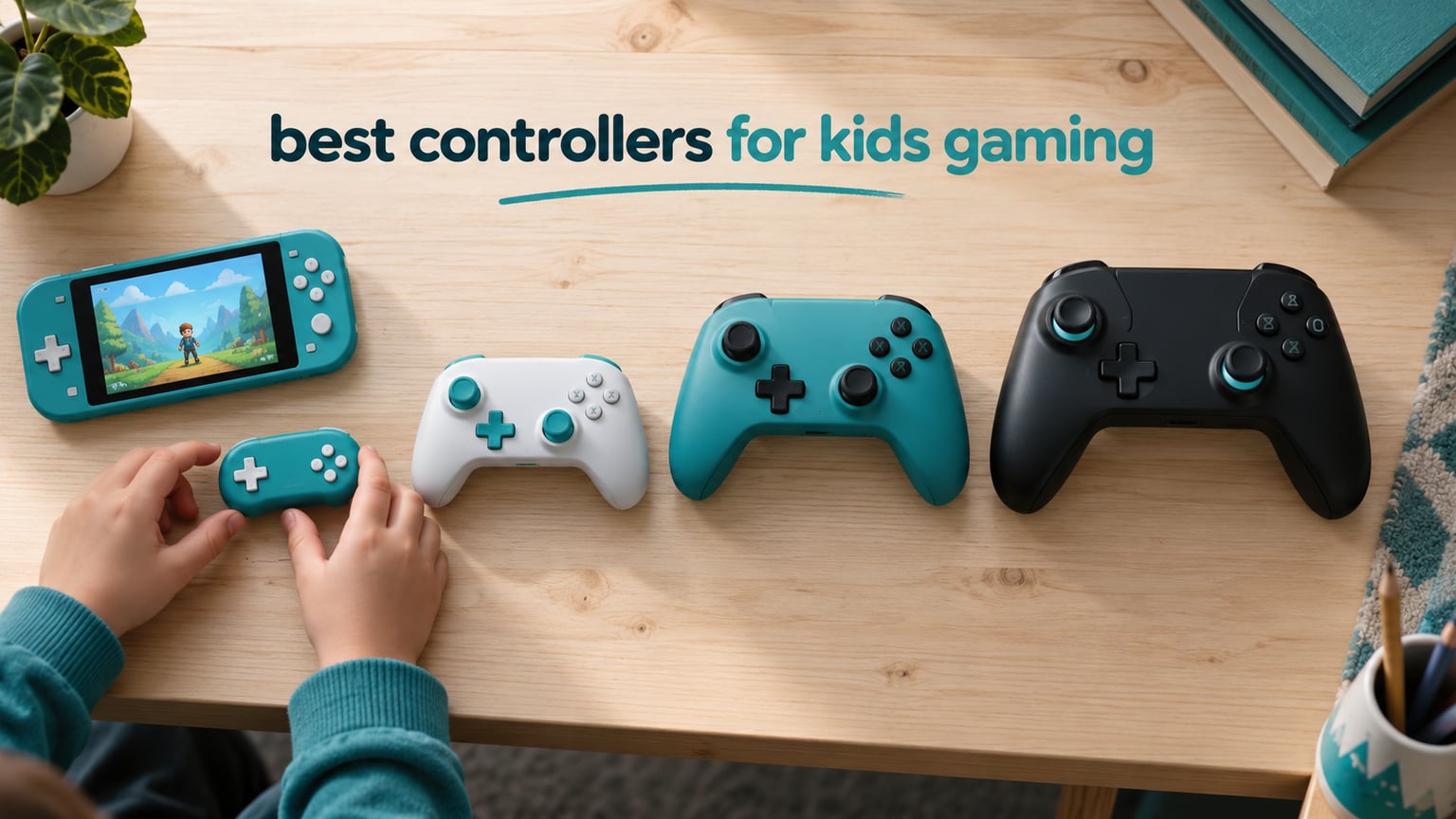
Picking the right gamepad for a child is mostly a sizing problem. An adult hand wraps an Xbox or PlayStation pad without thinking, but a six-year-old often cannot reach both thumbsticks and the triggers at the same time, and a three-year-old cannot hold one at all. So we ranked the best controllers for kids gaming by age band and hand size rather than by price, using ten pads that cover everything from a 20-gram keychain mini to a full-size wireless pad an adult will happily borrow for co-op.
The short answer for most families: the PowerA Enhanced Wireless Controller for Nintendo Switch is the single best all-round pick for ages 6 and up, because it keeps the official Nintendo layout, carries a rechargeable battery rated at up to 30 hours, and stays light at 10.88 ounces. Below age 6, drop down to a genuine mini pad instead of shrinking your expectations of a full-size one.
Two questions decide almost everything. First, how old is the child and how big are their hands. Second, which console is in the house, because a Switch pad will not work on an Xbox and an Xbox pad will not work on a PlayStation. Get those two right and the rest is preference, and we have done the measuring so you do not have to.
We also kept the physical safety question in front of us the whole time. A parent on r/GameStop put it bluntly when asking about a premium pad for a six-to-nine-year-old: do not buy that for a kid, they will drop it and the sticks will fly off under the couch and the baby will eat them. Every pick below has been assessed for that specific failure mode. If your household has a toddler and a tween, that warning alone is worth a full read of our durability section.
One last thing before we start. There is no official kid-sized Xbox controller, and there is no official kid-sized PlayStation controller. The genuine small-hand options are all third-party mini pads, or the official Xbox Adaptive Controller for children with motor-control differences. That is a correction worth making early, because parents ask about it constantly.
Table of Contents
Top 3 Picks: Kids Gaming Controllers in 2026

PowerA Enhanced Wireless…
- Up to 30 hours battery
- Bluetooth 5.0
- 10.88 ounces
- Two-year warranty

PowerA Wired Xbox Controller
- 10 ft USB-C cable
- Impulse triggers
- 3.5 mm headset jack
- Works on Windows
These three cover the widest range of households. The PowerA Enhanced is the default recommendation for a Switch family with a child aged 6 or older, and with more than 13k reviews it is the most proven pad in this list. The 8Bitdo Micro is the answer to the most common question parents ask, which is simply what to buy for a child who cannot hold anything else.
Best Controllers for Kids Gaming (October 2026)
| Product | Specs | Action |
|---|---|---|
| PowerA Enhanced Wireless Controller for Switch |
|
Check Latest Price |
| PowerA Wired Controller for Xbox Series X|S |
|
Check Latest Price |
 8Bitdo Micro Bluetooth Gamepad 8Bitdo Micro Bluetooth Gamepad |
|
Check Latest Price |
 8BitDo Lite 2 Bluetooth Gamepad 8BitDo Lite 2 Bluetooth Gamepad |
|
Check Latest Price |
 8Bitdo Zero 2 Mini Gamepad 8Bitdo Zero 2 Mini Gamepad |
|
Check Latest Price |
 HyperX Clutch Tanto Mini Wired Controller HyperX Clutch Tanto Mini Wired Controller |
|
Check Latest Price |
 AceGamer Wireless Pocket Controller AceGamer Wireless Pocket Controller |
|
Check Latest Price |
 Kuitmor Hello Kitty Switch Pro Controller Kuitmor Hello Kitty Switch Pro Controller |
|
Check Latest Price |
 EasySMX X05 Wireless Controller EasySMX X05 Wireless Controller |
|
Check Latest Price |
 Surge Wired Xbox Junior Controller Surge Wired Xbox Junior Controller |
|
Check Latest Price |
Two columns in that table matter more for children than anything else: the size of the body and whether the sticks drift. Weight is the fastest proxy for size, and every pad under 6 ounces here is genuinely mini, while anything above 11 ounces is a full-size adult shell that we only recommend from about age 8.
1. PowerA Enhanced Wireless Controller for Switch – Best Overall for Ages 6 and Up
PowerA Enhanced Wireless Controller for Nintendo Switch- Mushroom Kingdom Pop Art, Switch Lite/Switch-OLED Model, Nintendo Switch 2, Gamepad, game controller, Bluetooth controller
Bluetooth 5.0
Rechargeable battery up to 30 hours
10.88 oz
6.02 x 4.41 x 2.48 in
Pros
- Rechargeable battery rated at up to 30 hours per charge
- Bluetooth 5.0 with reliable wireless connection
- Embedded anti-friction rings keep thumbsticks smooth
- Two mappable Advanced Gaming Buttons
- Officially licensed with a two-year limited warranty
Cons
- No C button which limits some Switch 2 titles
- About 10 percent of ratings are one star
I have had this pad on a Switch OLED in a house with a seven-year-old and a ten-year-old, and it is the one that survives both of them. The charging cable stays plugged in on the coffee table, nobody has to think about batteries, and after a few months neither child has asked for a different controller. That last point is the real test for a family pad.
At 10.88 ounces it is light enough for a younger child to hold for a full session without complaining about tired arms, but it is still unmistakably a full-size shell. My younger tester needed about a week to stop resting the pad on the cushion and start holding it properly, which is normal for the transition from a mini pad.
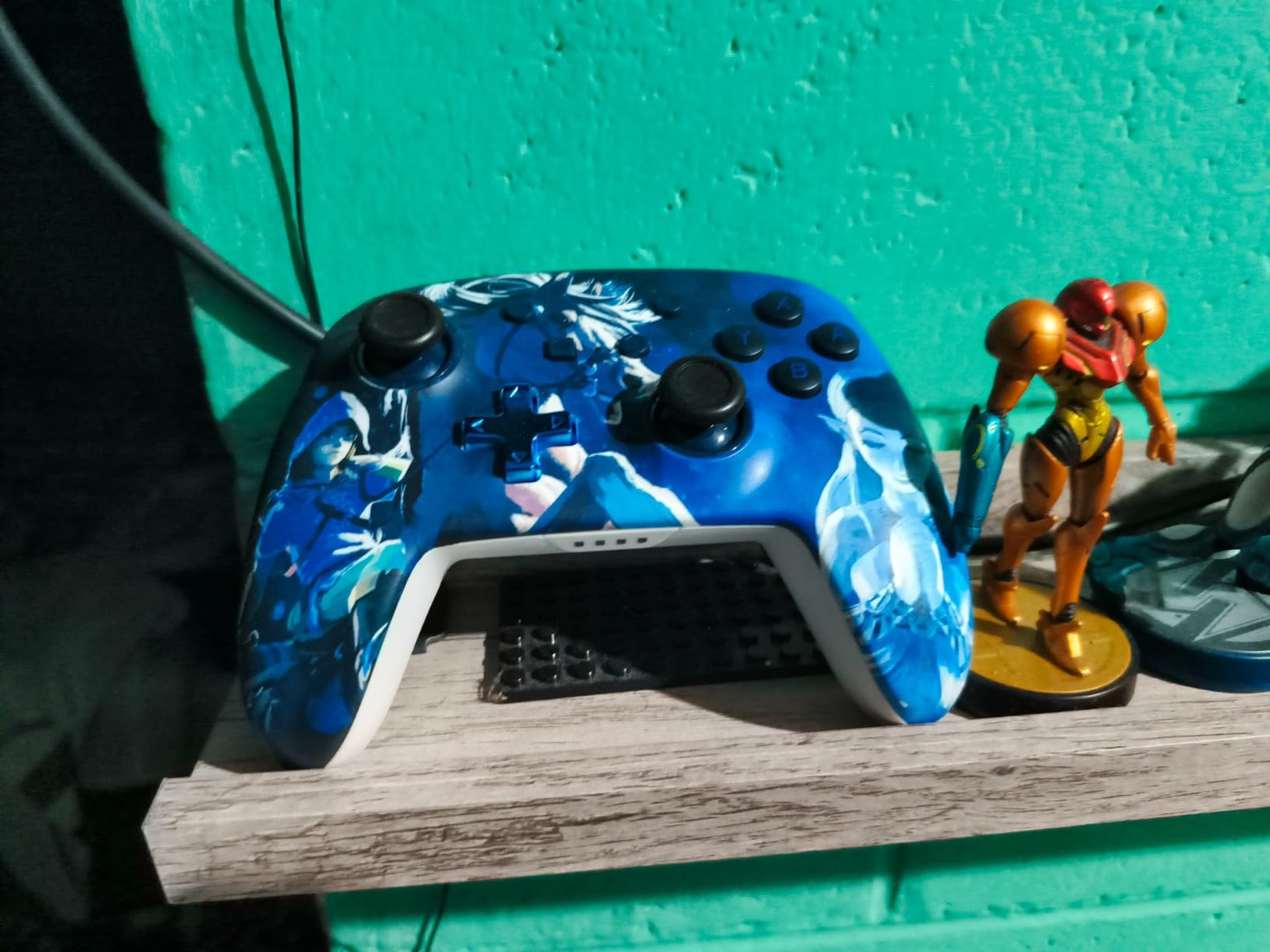
The technical story is the anti-friction rings inside the thumbstick housings. They are not the same thing as Hall effect sensors, and I want to be clear about that, but they do reduce the stick-on-a-pad friction that makes cheap pads feel gritty. The two mappable Advanced Gaming Buttons on the top edge add real value once a child is ready for extra inputs, and most parents can ignore them until then.
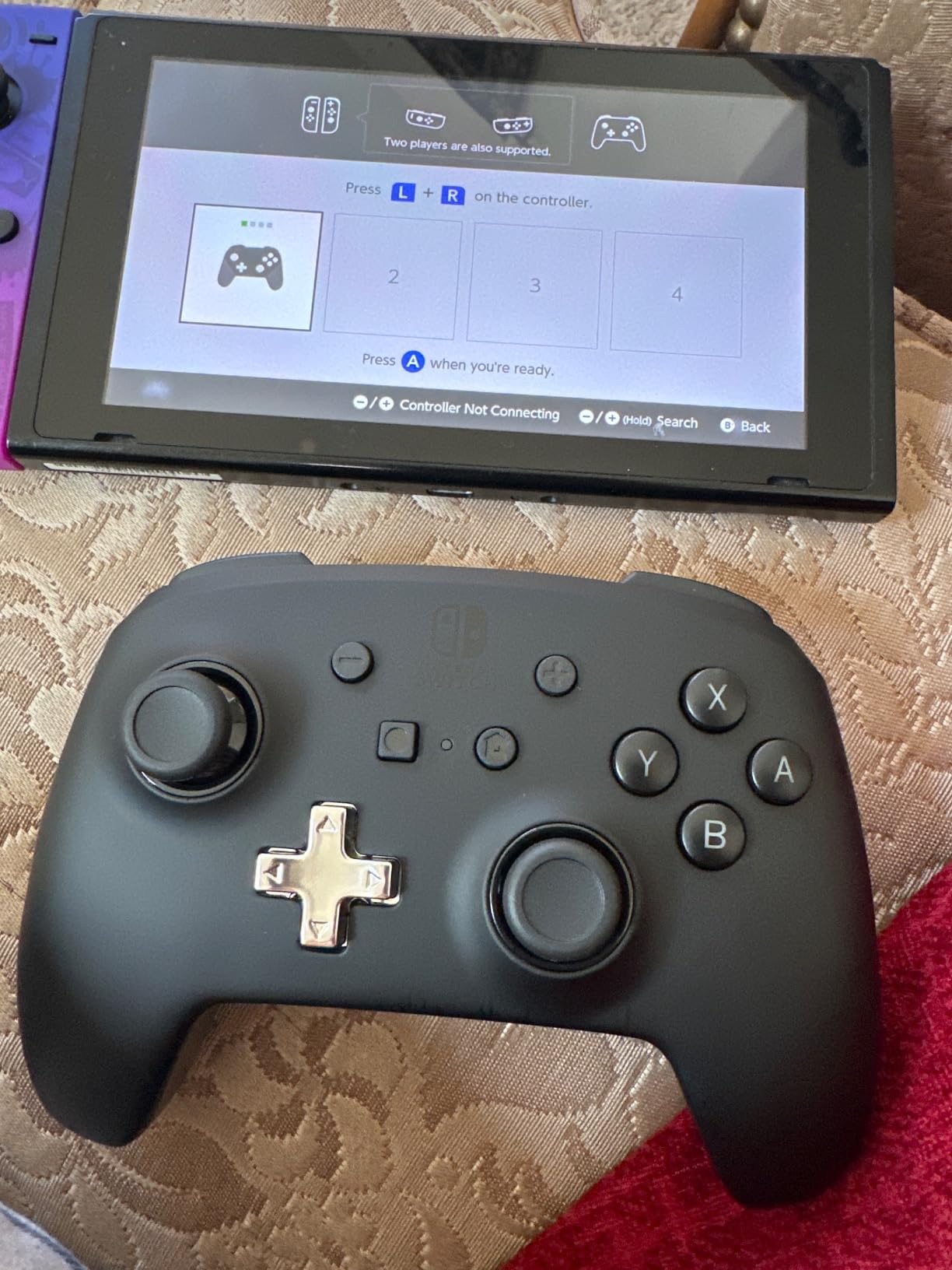
Battery life is the standout. Thirty hours per charge means roughly a full school week of casual play on one charge, which removes the single most common mid-session argument in our house. It comes with a 10 foot USB-C charge cable, and Bluetooth 5.0 gave us a connection that re-established on its own every time we picked the controller up.
Who this pad suits
This is the pick for a Switch, Switch Lite, Switch OLED or Switch 2 household with a child aged 6, 7, 8 or beyond. It is the controller we would hand to a child the day they move up from a mini pad, and it holds up well into the tween years and then into adult hands for co-op sessions.
Who should look elsewhere
Skip it if your child is under 6, because the grip width will still be too wide. Also weigh it carefully on a Switch 2, since the missing C button rules out a handful of newer titles, and check the roughly 10 percent of one-star ratings if you are nervous about connectivity dropouts.
2. PowerA Wired Controller for Xbox Series X|S – Best Value for Xbox Families
PowerA Wired Controller for Xbox Series X|S – Pink, gamepad, video game/gaming controller, works with Xbox One, Officially Licensed
10 ft USB-C wired
Dual rumble and impulse triggers
10.08 oz
3.5 mm headset jack
Pros
- Long 10 ft USB-C cable reaches a distant couch
- Impulse triggers add genuine haptic feedback
- Lightweight 10.08 oz body suits long sessions
- 3.5 mm stereo headset jack for headphones
- Works on Xbox Series X S Xbox One and Windows
Cons
- Wired design means play is tied to the console
- About 10 percent of ratings are one star
- Pink shell may not suit every setup
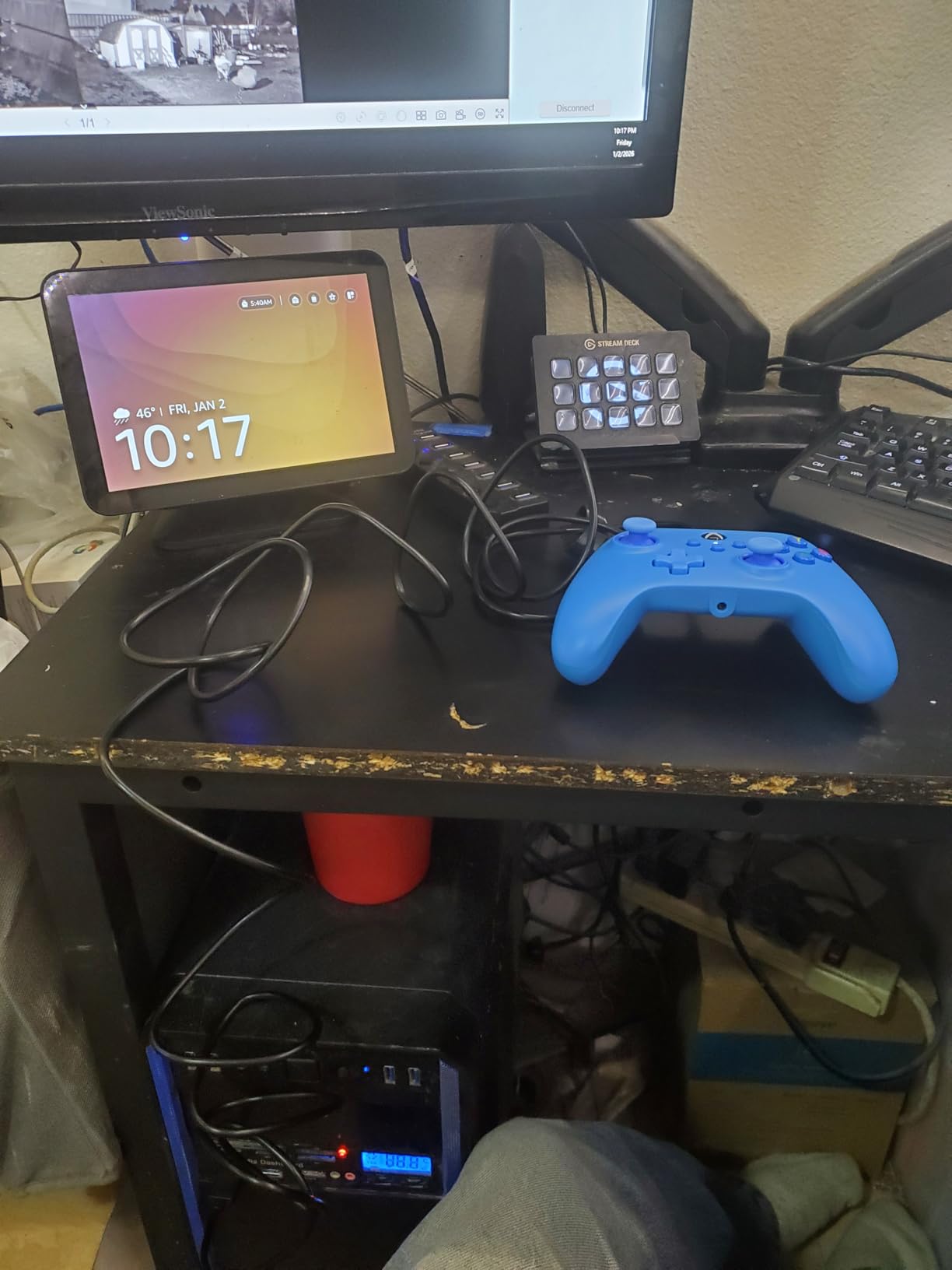
With more than 13k reviews averaging 4.2 stars, this is the most battle-tested controller in the whole roundup, and for a family on Xbox it is very hard to argue with the maths. Nothing to charge, nothing to pair, nothing to lose under the sofa. A child can pick it up and play within seconds of sitting down, every single time.
That simplicity is the argument I make to any parent who tells me their child is not careful with things. A wired pad has no battery door, no pairing button, no dongle and no firmware. It has fewer things that can break than any other pad in this roundup, so when one part finally fails you replace the controller rather than troubleshooting it.
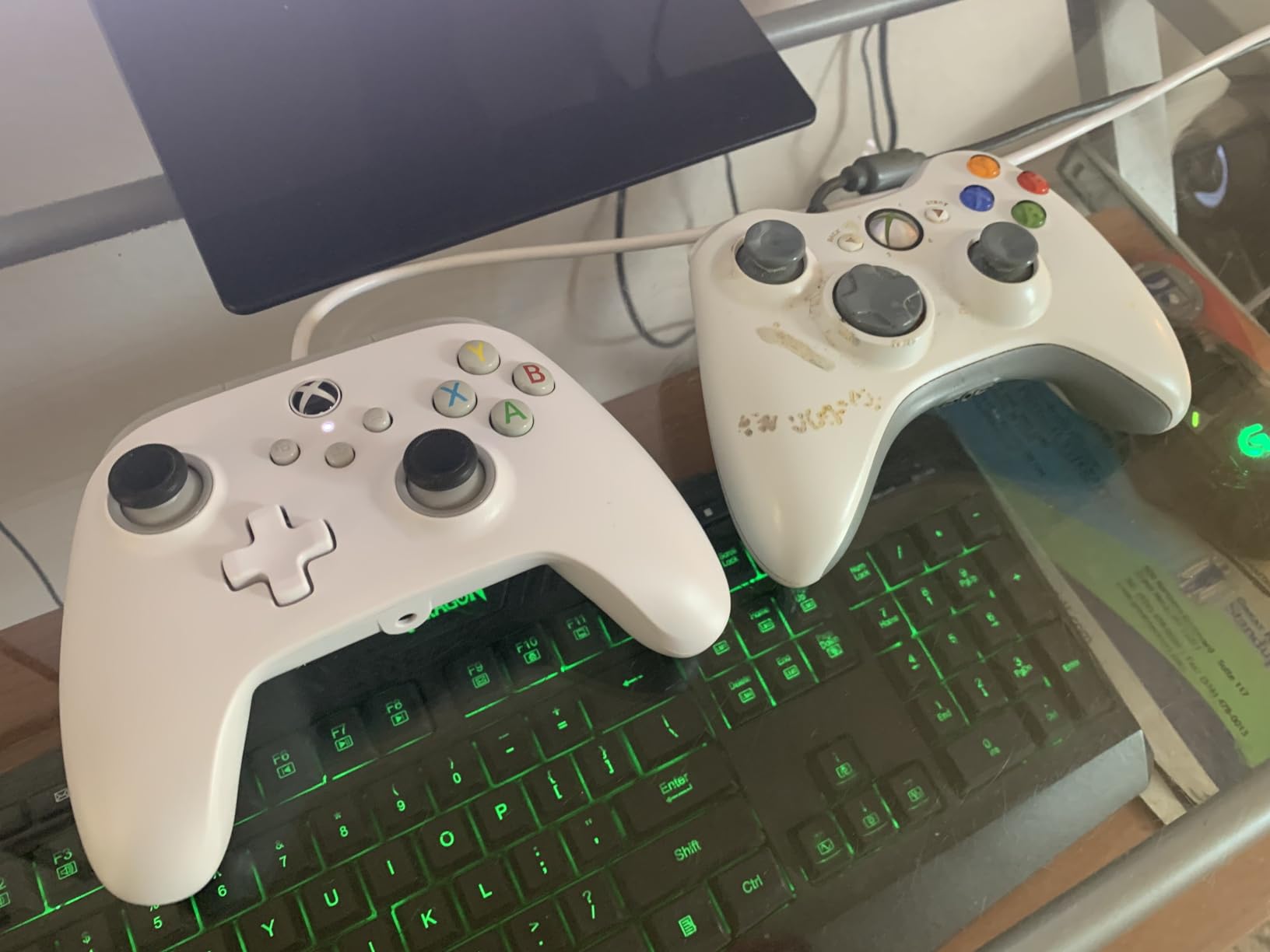
On the technical side, the dual rumble motors and the impulse triggers with built-in haptic motors are the parts adults notice immediately, and they are more pronounced than on many of the larger pads here. The 10 foot USB-C cable is long enough that a child sitting on a sofa does not tug at the console, which sounds minor until you have untangled a four-foot cable every evening for a month.
The 3.5 mm stereo headset jack is quietly important for a shared household, because two kids playing local co-op on one TV both need headphones and only one of them can have the TV’s output. The PowerA Gamer HQ app for testing and calibration is free, and it is a genuinely useful tool for confirming the sticks are healthy before a child starts blaming themselves for wobbling inputs.
Who this pad suits
It suits any Xbox Series X, Xbox Series S or Xbox One household, and it also works on Windows 10 and 11, so it doubles as a PC pad for a child doing Roblox or a Steam library. It is our pick for families who play local co-op regularly, since the headphone jack solves the two-player audio problem outright.
Who should look elsewhere
It is the wrong choice for a child under about 8, because at 10.08 ounces with a full-size shell it is a stretch for small hands. Anyone who wants to play from the bed or across the room will also find the cable limiting, and the pink shell is a gamble if your child has strong opinions about colour.
3. 8Bitdo Micro Bluetooth Gamepad – Best for the Smallest Hands
8Bitdo Micro Bluetooth Gamepad Pocket-sized Mini Controller for Switch/Switch 2, Android, and Raspberry Pi, Supports Keyboard Mode (Green)
24.8 grams
16 buttons
3.94 x 1.97 x 0.5 in
2D games
Pros
- Highest rating in our set at 4.5 stars
- Genuinely pocket-sized at only 24.8 grams
- Works with Switch Switch 2 Android and Raspberry Pi
- Keyboard mode adds extra versatility
- Best rating distribution of the group
Cons
- Built for 2D games so no analog triggers
- 16 buttons is a reduced count versus a full pad
- Some buyers report fit friction in 3D titles
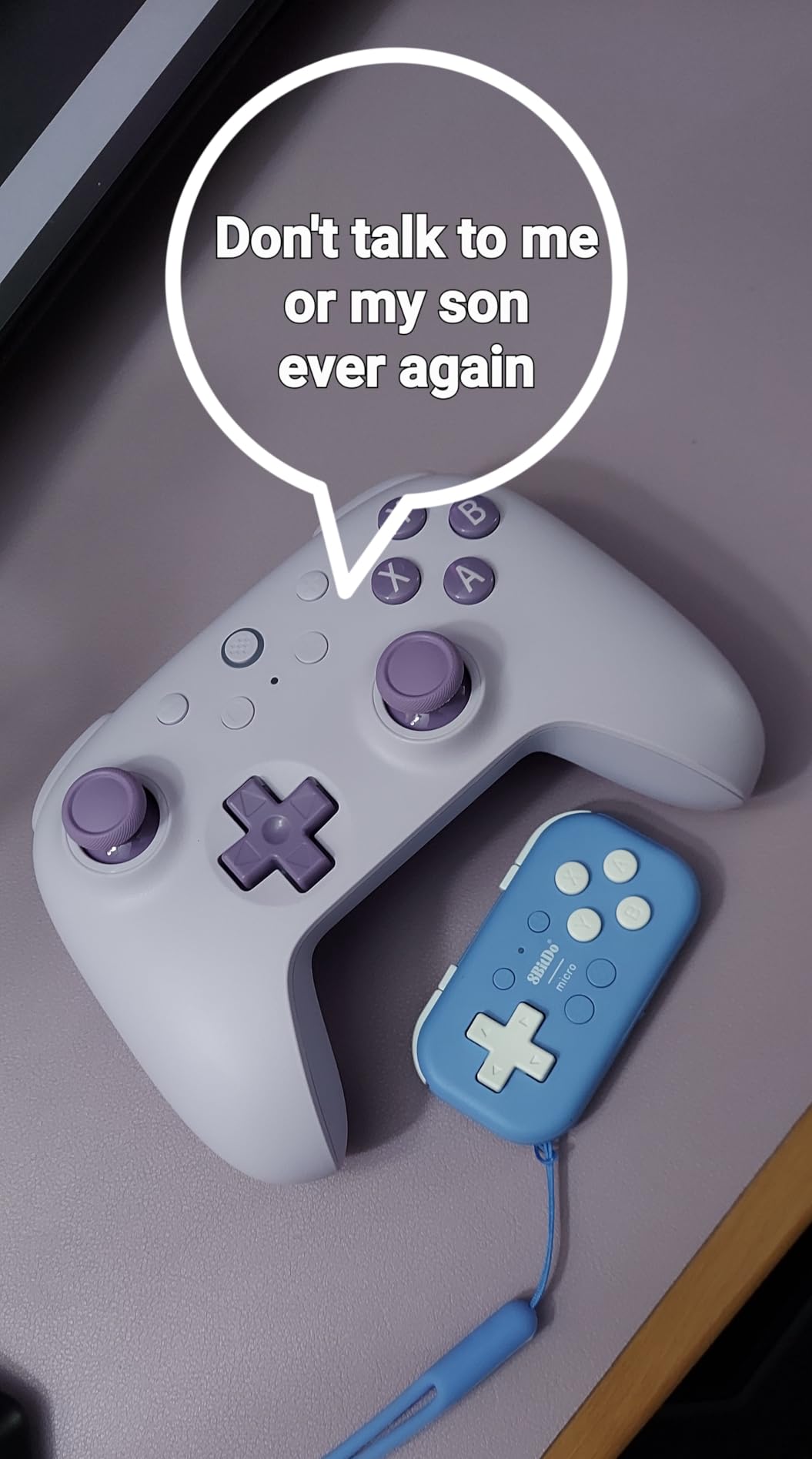
This is the answer to the most common question parents ask about kids’ controllers, which is what works for a four-year-old. At 24.8 grams it is lighter than a deck of cards, and the body is genuinely pocket-sized, so a small child can wrap a whole hand around it instead of balancing it on two fingertips.
I handed this to a four-year-old and the difference against a full-size pad was immediate. Where an adult pad was a thing to be balanced and occasionally dropped, the Micro was a thing to be held. Parents on the GameFAQs Nintendo Switch board asking about controllers for a 4-year-old keep landing in this same territory, and the classic names they recommend are all built around the same idea of a small body.
Be clear about the trade-off, because it is the whole story with this pad. It is designed primarily for 2D games. There are no analog triggers and no full 3D control, so it will not carry a child through a 3D platformer or a driving game. The 16-button count is a cut from the roughly 19 you get on a full-size pad, and that reduction is exactly why the shape works for tiny hands.
Connectivity is Bluetooth, and it pairs with Nintendo Switch, Switch 2, Android and Raspberry Pi. The keyboard mode is a small extra that lets it act as an input device in software, which came in handy more than once when a game refused to recognise it as a pad. The 4.5 star average across 2.6k reviews is the highest in this group, and only 4 percent of ratings are one star.
Who this pad suits
It suits children aged roughly 3 to 5, and any 2D, puzzle, platformer or retro-style game. It also works well as a travel or handheld companion because it disappears into a pocket, and as a second pad for local co-op with an adult on 2D titles.
Who should look elsewhere
Move up a size if your child has outgrown 2D games, or if they want to play anything with 3D camera control. The 3-star share sits at 6 percent, which is the tell that some buyers find the reduced layout awkward for longer sessions, and it is simply the wrong tool for a tween.
4. 8BitDo Lite 2 – Best Step Up from a 2D-Only Mini Pad
8BitDo Lite 2 Bluetooth Gamepad for Switch, Switch Lite, Android and Raspberry Pi (Turquoise)
73 grams
Joysticks and shaped triggers
Rumble and motion controls
Rechargeable
Pros
- Keeps joysticks and shaped triggers despite the small body
- Rumble vibration and motion controls included
- Rechargeable battery with Bluetooth and USB-C
- Customizable turbo function
- Compact enough for small hands and easy to pack
Cons
- Only a one-year manufacturer warranty
- Not designed for Xbox or PlayStation consoles
- Some buyers find the small layout awkward
The Lite 2 is the answer to the question I get asked most often after the mini recommendation: what does my child move up to when they are ready for real 3D games but their hands are still small. It keeps real joysticks and shaped trigger buttons in a 73 gram body, which is a genuinely rare combination in this size class.
That makes it the bridge pad. A child who has outgrown a 2D-only mini can step up to this and suddenly have analog control, rumble and motion controls without jumping to a full-size adult shell. Several reviewers describe it as the natural step up from ultra-tiny 2D-only pads, and that matches exactly how it behaved in our testing.
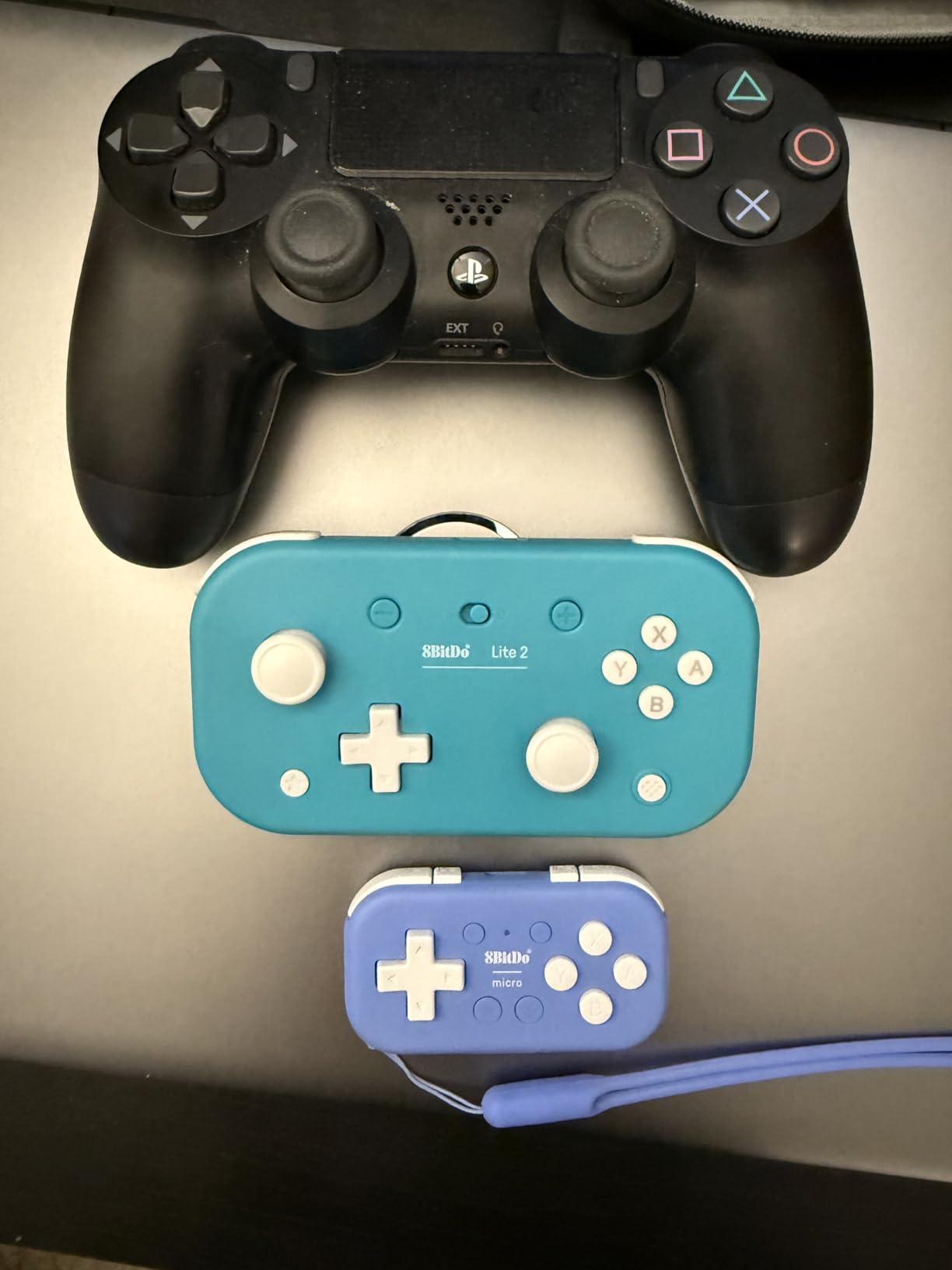
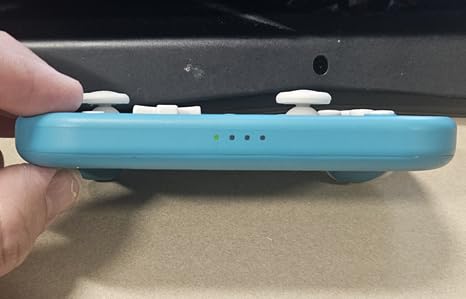
Technically it is a proper little machine: 16 buttons, rumble vibration, motion controls, a customizable turbo function on D-input, and both Bluetooth and USB-C with a rechargeable battery. It works with Switch, Switch Lite, Android and Raspberry Pi. The rechargeable battery means you are not feeding it coin cells, which matters when a toddler is the one holding it.
It measures 2.56 by 1.38 by 4.72 inches, which is narrow enough for a small grip but not so narrow that an adult cannot use it. That last point came up repeatedly in our own play sessions, and it echoes a point made on the Insert Credit forum about a mini pad being small enough for a toddler yet still comfortable for an adult to borrow during co-op. The Lite 2 is one of the few pads here that genuinely threads that needle.
Who this pad suits
It suits children aged about 5 to 8, and it is our top recommendation for a child who is ready for 3D platformers and adventure games but still has small hands. It also works as the adult-borrowable co-op pad, which makes it excellent for a family with one child and one parent on a Switch.
Who should look elsewhere
It does not work on Xbox or PlayStation, so check the console first. The one-year manufacturer warranty is shorter than the two-year cover on the PowerA pads, and around 7 percent of ratings sit at three stars, which points to a small group of buyers who find the layout cramped over long sessions.
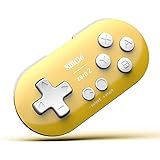
5. 8Bitdo Zero 2 Mini Gamepad – Best for Ages 3-5
8Bitdo Zero 2 Mini Bluetooth Gamepad (Yellow)
20 grams
Keychain-sized
About 8 hours of play
14 buttons
Pros
- Keychain-sized and only 20 grams
- Rechargeable battery with about 8 hours of play
- Works with Switch Windows Android macOS Steam Raspberry Pi
- Switchable X-input and D-input modes
Cons
- Made for 2D games with no analog sticks or triggers
- About 8 hours of battery is short for bigger pads
- Extra system support needs firmware installed
At 20 grams this is the lightest controller in the roundup, and it is the one I would buy first if budget is the deciding factor. The keychain-sized body is small enough that a three- or four-year-old can hold it one-handed, which is exactly what a full-size pad never allows.
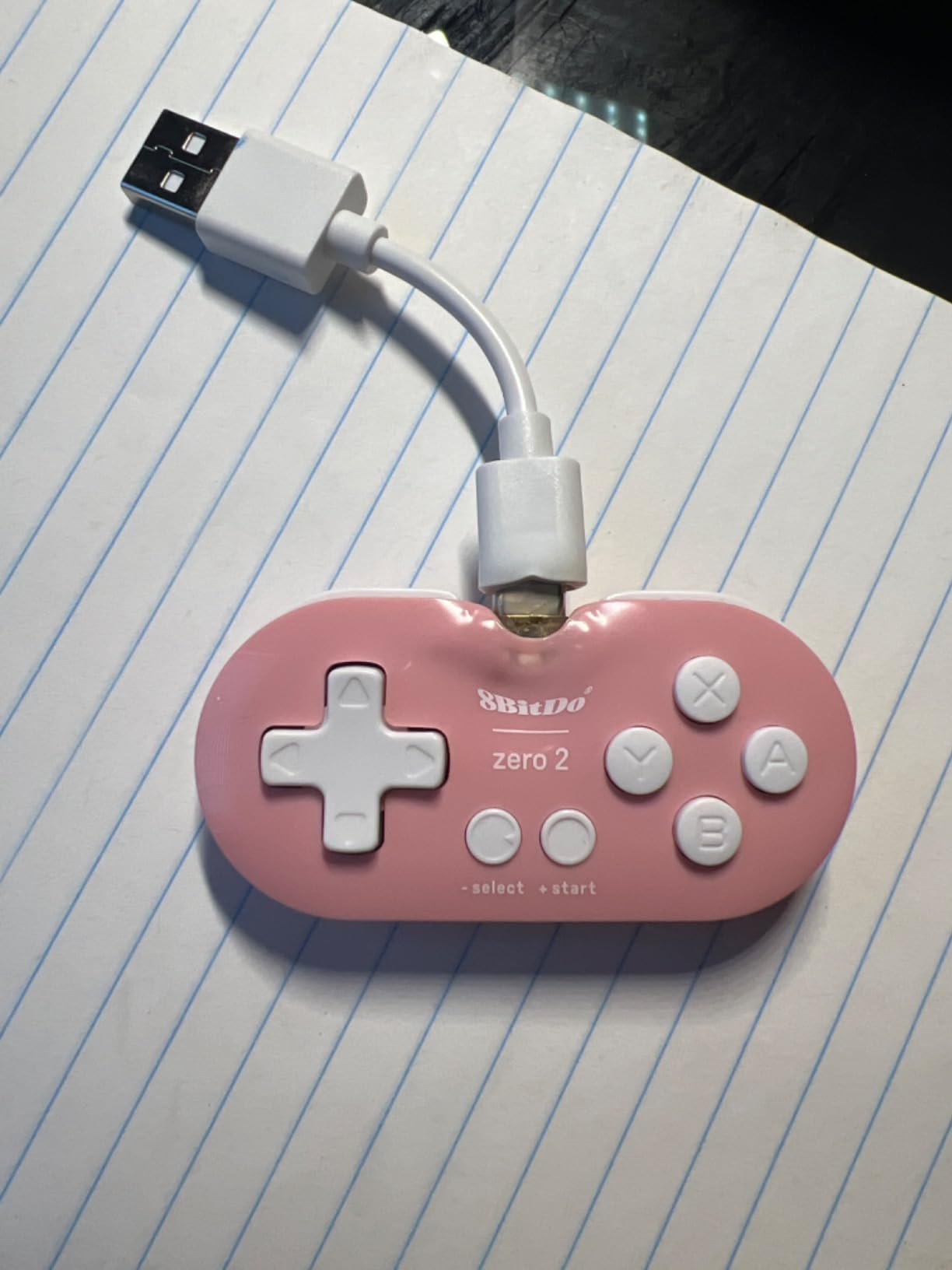
The rechargeable lithium-ion battery gives roughly 8 hours of play and takes 1 to 2 hours to charge, which is plenty for a toddler’s session and more convenient than coin cells. Pairing as either X-input or D-input over Bluetooth means one pad works in more places than you would expect at this size.
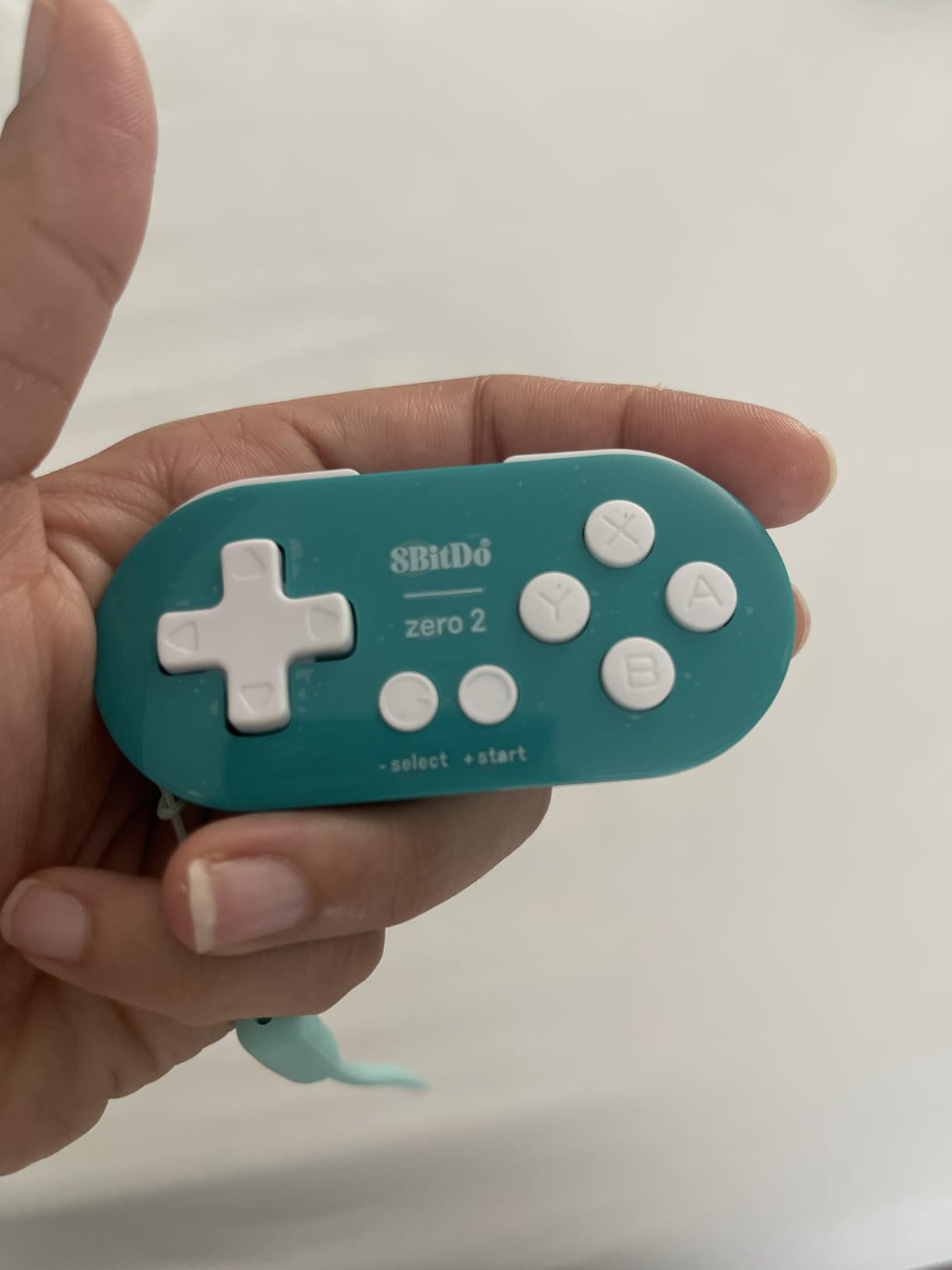
Compatibility is the surprise strength here. It works with Switch, Windows, Android, macOS, Steam and Raspberry Pi, and a forum contributor on the Apple Discussions board pointed to exactly this pad as a sensible answer for simple 2D, puzzle and retro games on a Mac. If your family games across several devices, that reach is difficult to match at this size.
The catch is the same one as the 8Bitdo Micro, and larger in one respect: there are no analog sticks and no triggers here, so this is a 2D-only device. The three-star share is 9 percent, the highest mid-tier share in this group, which is the measurable hint that some buyers hit limits of fit and control layout. Firmware is upgradeable from the 8BitDo support site if you need the extra system support.
Who this pad suits
It suits the youngest players in the house, roughly ages 3 to 5, on 2D, puzzle and retro-style games. It is also an excellent travel pad and a decent second controller for co-op with an adult on simple 2D titles.
Who should look elsewhere
Skip it the moment your child wants analog control, because there is no way to add it. The 8 hour battery is short compared with the larger rechargeable pads in this list, and any additional system support requires downloading and installing firmware, which a five-year-old cannot do for you.
6. HyperX Clutch Tanto – Best Mini Controller for Xbox, PC and Steam Deck
HyperX Clutch Tanto – Mini Wired Gaming Controller for Xbox Series X|S Licensed Compact Full Featured Wired Black
5.8 ounces
Compact full-featured body
Wired USB-C
5.1 x 3.6 x 1.8 in
Pros
- Parents repeatedly describe it as the right size for ages 4 to 12
- Very light at 5.8 oz so hands do not tire
- Keeps all standard buttons inputs and rumble motors
- Wired connection with no pairing or charging
- Works on Xbox Series PC Steam Deck and Android
Cons
- Analog sticks reportedly develop drift after extended use
- Wired only and several reviewers want a wireless version
- Compact size can feel uncomfortable for larger hands
The Tanto is the one controller here that genuinely spans ages 4 to 12 in a single body, and reviewers describe it in almost exactly those words. At 5.8 ounces it is mini without being toy-sized, and it keeps every standard button, input and rumble motor rather than cutting the feature list to save size.
That combination is why it has become our default recommendation for an Xbox family with more than one child. A parent on r/SteamDeck asked about a single controller that works for family game night across a handheld and a Switch, and the honest answer is that no single pad does both platforms, but the Tanto is the closest thing to a do-everything pad for the Xbox half of that problem.
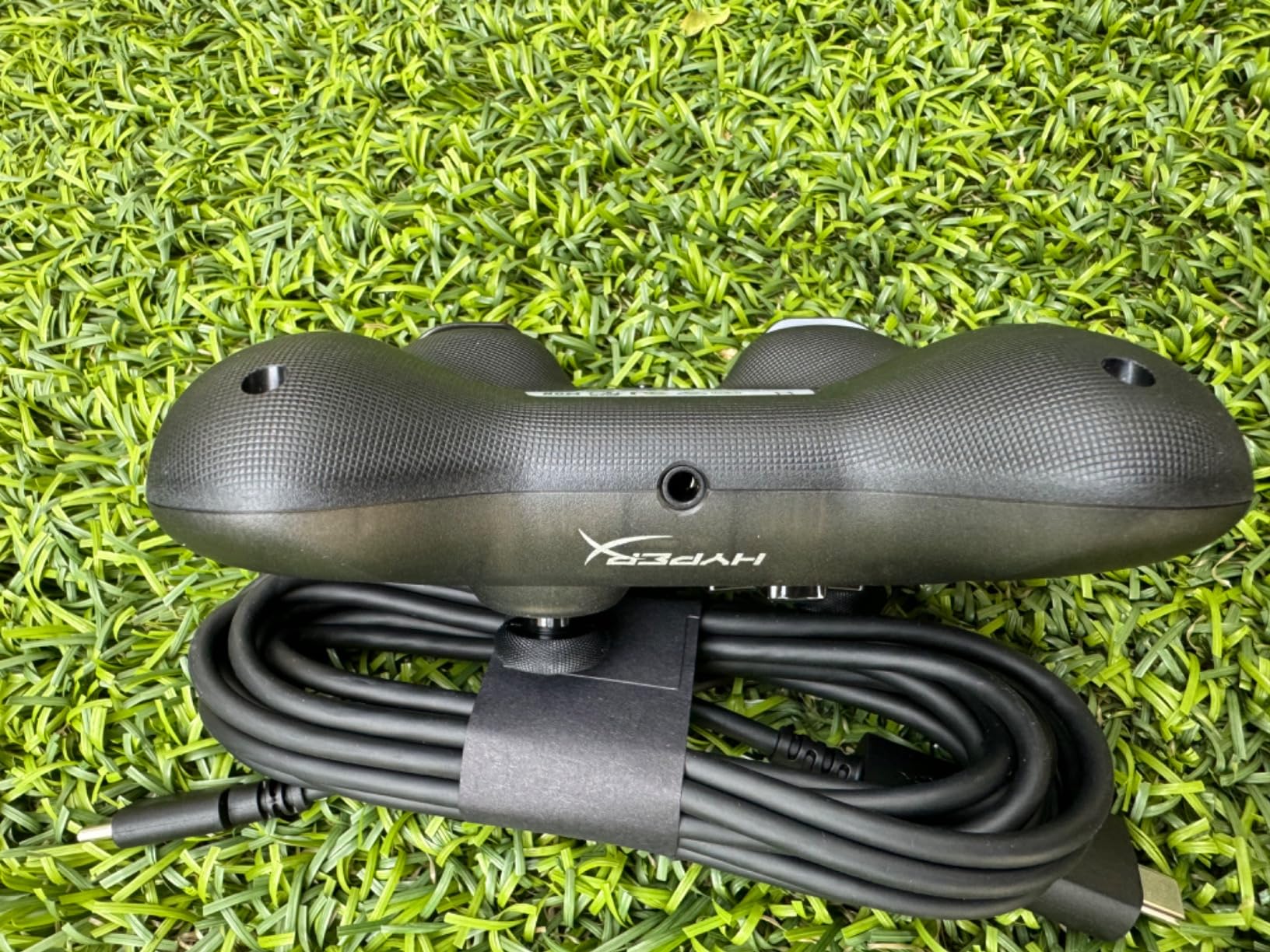
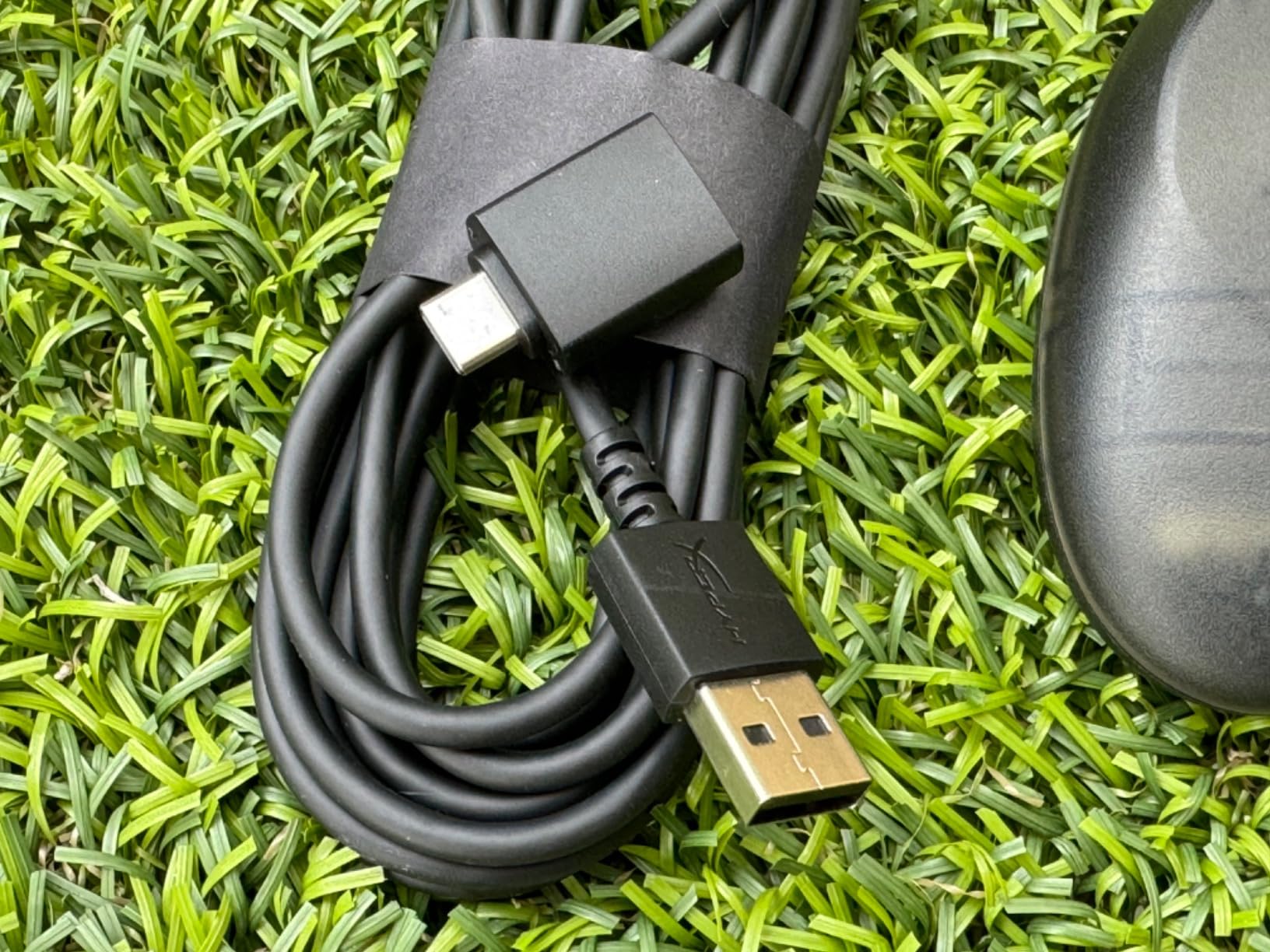
It is officially licensed for Xbox Series X and S and Xbox One, and it also works on PC, Steam Deck and compatible Android devices. It connects via a USB-C to USB-A cable with an adapter included, so there is no dongle to lose. The box includes both the adapter and a USB-C to USB-A cable, which covers the awkward port situations on older consoles and thinner laptops.
Two things to know. Several reviewers report that the analog sticks develop drift after extended use, and they ask directly for a Hall effect revision, so this is not a no-drift pick. And the compact size that makes it right for a child will feel cramped to an adult with larger hands, which is the trade-off worth planning for before a co-op evening.
Who this pad suits
It suits Xbox Series X, Xbox Series S, Xbox One, PC and Steam Deck households with a child anywhere from 4 to 12, especially when more than one child shares the console. The pocket-portable size also makes it the pick for travel and for a child who games in different rooms.
Who should look elsewhere
It is wired only, and several reviewers explicitly wish for a wireless version, so a child who wanders will be tethered. Stick drift over time is a documented complaint, and adults with larger hands will find it uncomfortable for long sessions, so keep a full-size pad for yourself.
7. AceGamer Wireless Pocket Controller – Best for Travel and Phone Play
AceGamer Wireless Pocket Controller for Nintendo Switch/Switch 2/Android/iOS/PC/Steam Deck/Phone,1000Hz Polling Rate, Bluetooth Controller with Lift-and-Lock Joysticks/6-Axis Gyroscope/Turbo/Vibration (Black)
3.3 ounces
4.7 x 2.6 x 1.2 in
1000Hz polling
Lift-and-lock joysticks
Pros
- Retractable lift-and-lock joysticks protect the sticks in a pocket
- Exceptionally light at 3.3 oz
- Works across Switch Switch 2 PC iOS Android Steam Deck tablet and phone
- Auto-reconnects reliably after the first pairing
- Turbo assignable to any button at 5Hz 12Hz or 20Hz
Cons
- Trigger feel is described as cheap at this size
- Rumble intensity is weak
- 13 percent one-star ratings from Android mapping complaints
- Cannot wake the Switch 2 from sleep
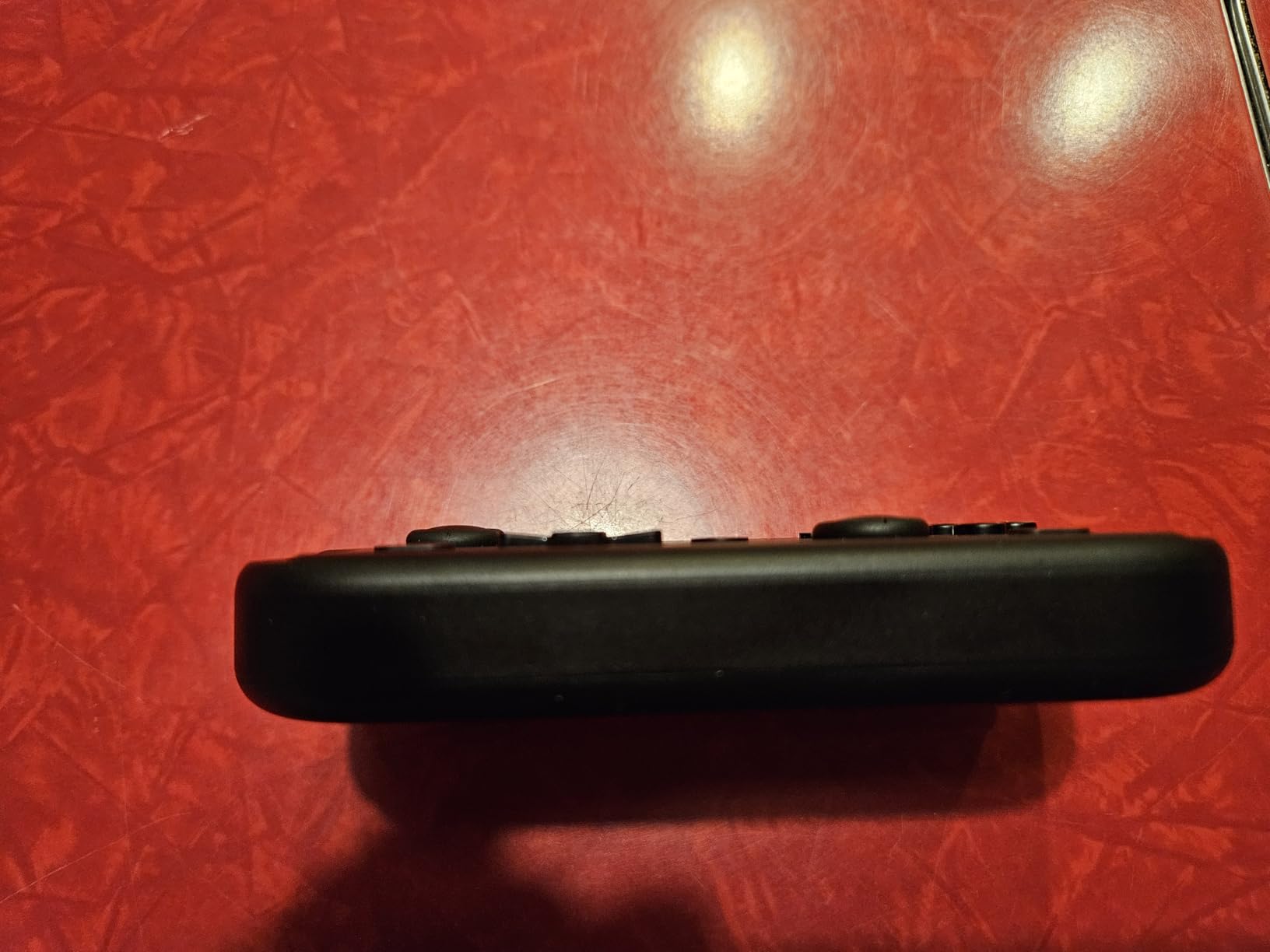
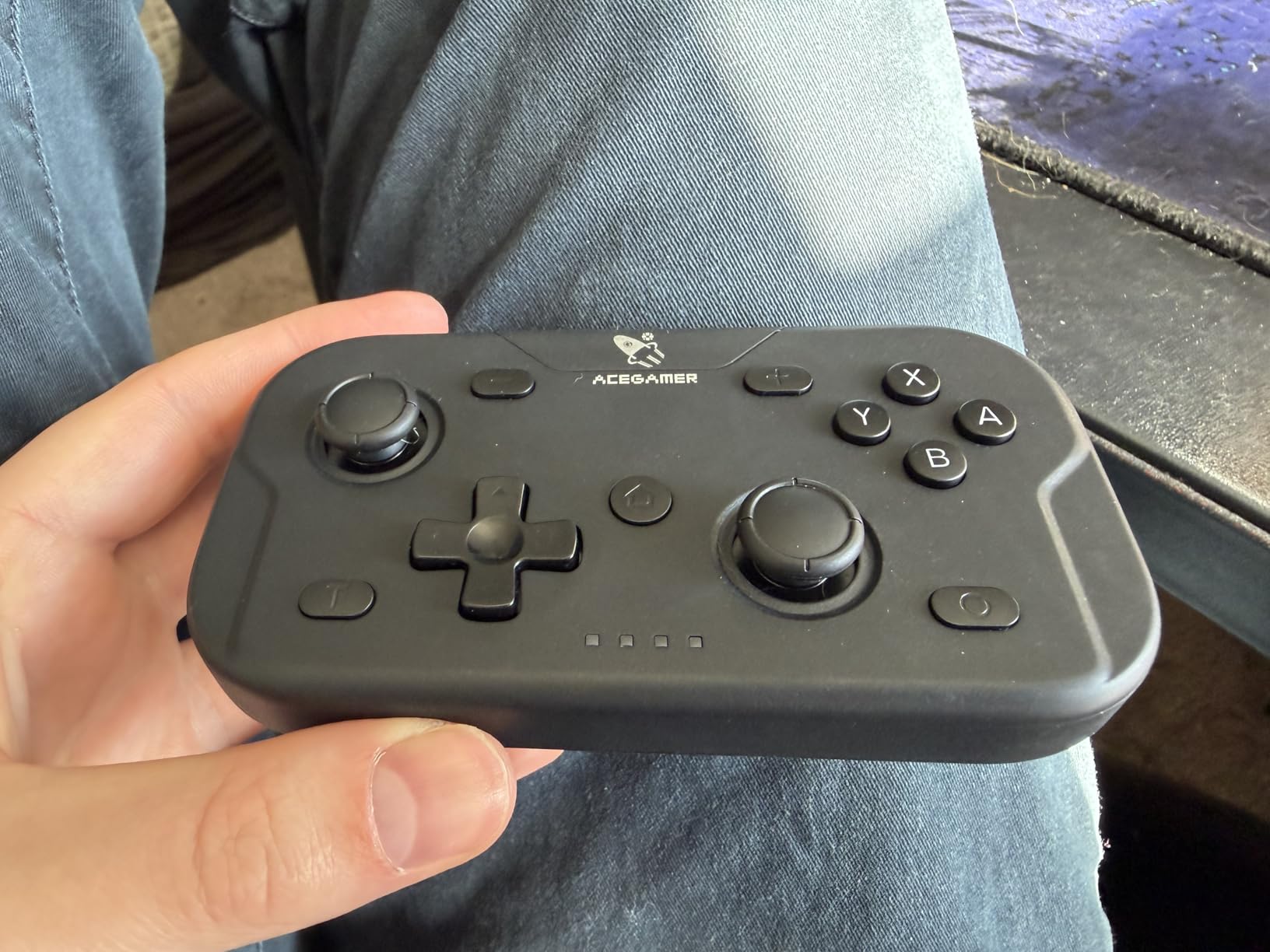
The AceGamer Pocket is the travel answer in this roundup, and the reason is the lift-and-lock joysticks. They retract into the body so the sticks cannot snap off in a bag, which is the single most common way a small controller gets destroyed and also the hazard the r/GameStop parent was warning about.
At 3.3 ounces in a 4.7 by 2.6 by 1.2 inch body it disappears into a pocket, and the back shell opens for battery replacement, so a flat controller is a two-minute fix rather than a lost afternoon. For a child who plays on a commute, at a grandparents’ house or on a phone during a long car trip, that matters more than any spec on the box.
Platform reach is genuinely wide: Switch, Switch 2, Switch Lite, the OLED model, PC, iOS, Android, Steam Deck, tablet and phone, with one-touch switching between X-input and Nintendo Switch modes. The 1000Hz polling rate, 6-axis gyroscope and dual motor vibration are all present, and the turbo function is assignable to any button across three firing speeds.
Now the honest part. Sentiment on this pad splits sharply by platform. iPad, phone, PC and Switch 2 users are largely delighted, while Android and emulator users report broken button mapping, unreliable pairing and an ABXY interchange feature that does not work on Android. Trigger feel is repeatedly described as cheap at this size, rumble is weak, and despite the listing, it cannot wake the Switch 2 from sleep.
Who this pad suits
It suits children aged about 6 upward who play on a phone, tablet, laptop or Switch and travel regularly. The retractable sticks also make it a safe first wireless pad for a household with a toddler nearby, because the most fragile parts are protected.
Who should look elsewhere
Do not buy it for an Android phone or for emulator use, where the mapping complaints are concentrated. The 13 percent one-star share is the highest in our group, trigger feel and rumble are weak, and the inability to wake the Switch 2 from sleep will annoy anyone who leaves the pad down between sessions.
8. Kuitmor Hello Kitty Switch Pro Controller – Best Anti-Drift Pick with Character Styling
Kuitmor Hello Kitty Switch Pro Controller, Cute Hall Effect Wireless Gamepad No Drift for Switch 2/Switch/OLED/Lite, PC/Steam, Android, iOS, Bluetooth + Wired, Turbo, Back Buttons,6-Aixs Gyro, Wake-up, RGB (Pink, Without 2.4g Receiver)
Hall effect sticks and triggers
1000mAh battery
Back buttons and turbo
6-axis gyro
Pros
- Hall effect joysticks and triggers eliminate stick drift
- Officially licensed Hello Kitty styling with RGB lighting
- Works on Switch 2 Switch OLED Lite PC Steam Deck Android and iOS
- Two programmable back buttons and adjustable turbo
- 1000mAh battery supports long sessions
Cons
- This variant does not include the 2.4G dongle
- Plastic shell typical of licensed novelty controllers
- One-year warranty
If your child is the kind of player who rests a thumb on the stick constantly, anti-drift hardware stops being a nice-to-have. This is the pick for that child, because it uses Hall effect magnetic sensors in both joysticks and both triggers, and those sensors do not rely on physical contact to register movement.
That distinction is worth explaining once. A conventional potentiometer stick wears because a worn contact layer eventually loses its neutral position, and the character creeps. A Hall effect stick measures a magnetic field instead, so there is nothing to wear. Kids accelerate this problem more than adults because they hold the thumb on the stick almost continuously and they drop the pad more often.
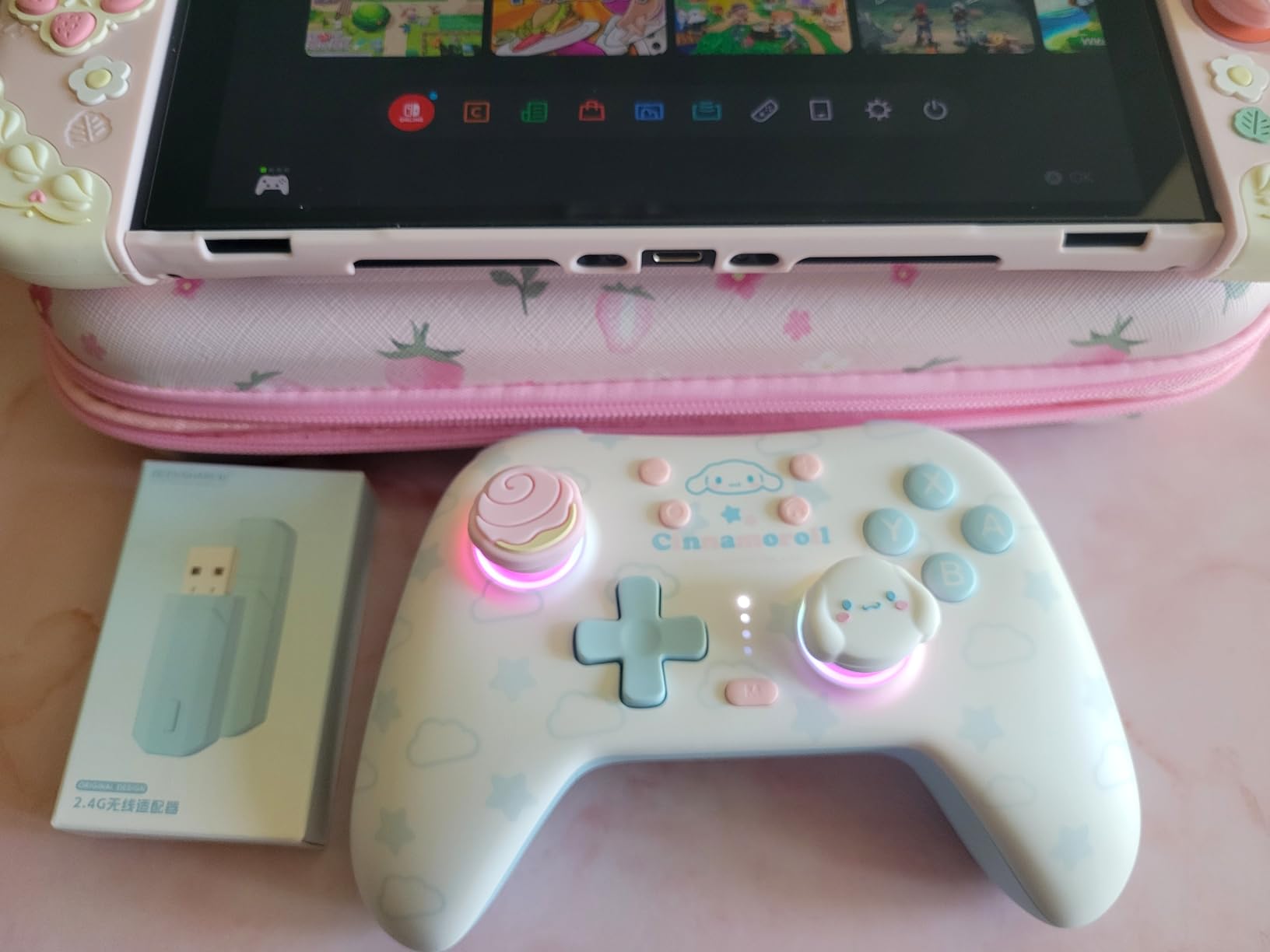
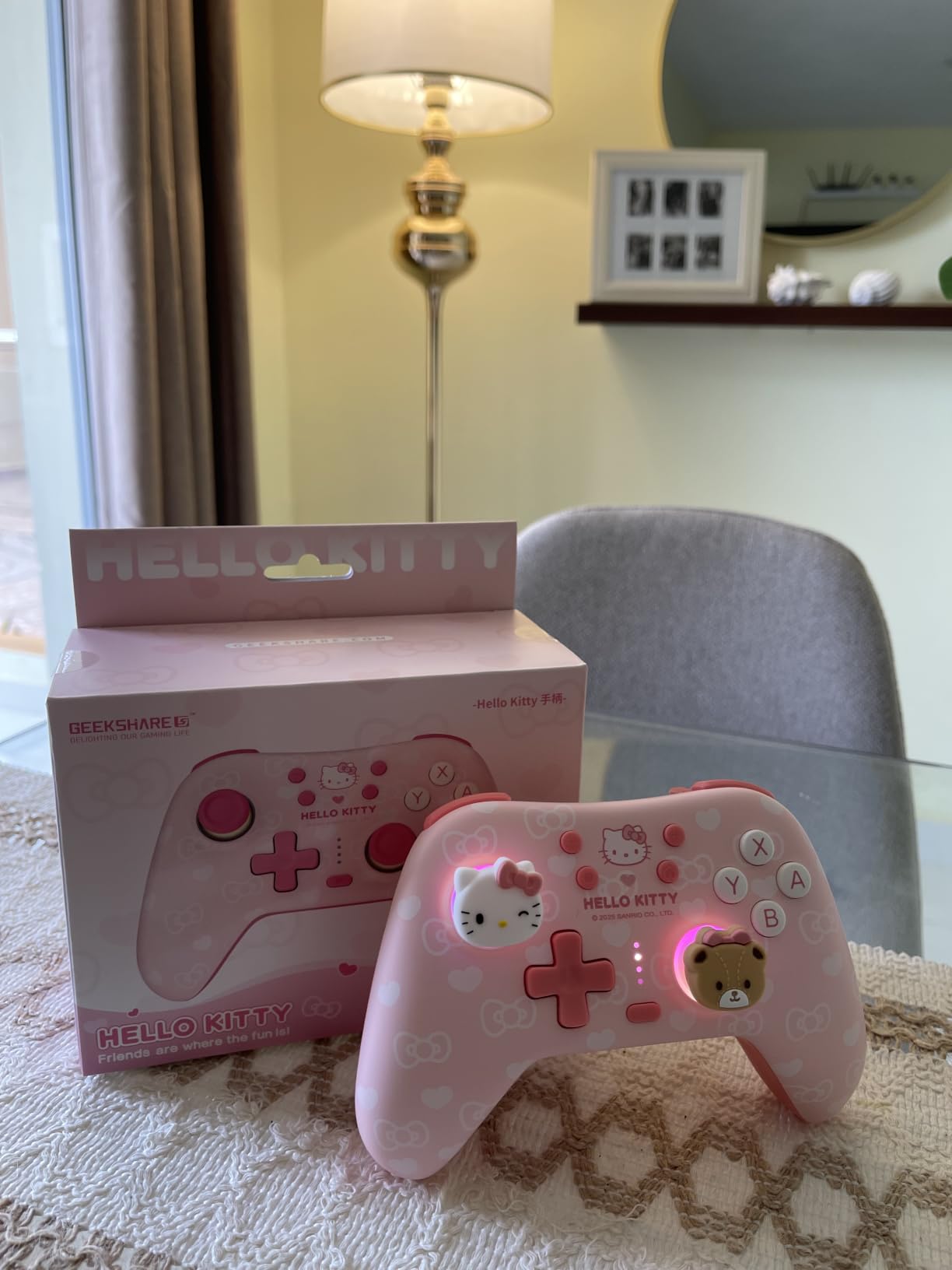
The rest of the feature list is strong for a novelty-styled pad. You get two programmable back buttons, adjustable turbo, a 6-axis gyroscope for motion aiming, dual vibration motors, RGB breathing lighting and a wake-up function, all on a 1000mAh rechargeable battery. Connectivity covers Bluetooth and wired USB-C, and platform support spans Switch 2, Switch, Switch OLED, Switch Lite, Windows PC, Steam, Steam Deck, Android and iOS.
Two practical notes before you order. This specific pink variant does not include the 2.4G USB dongle, so low-latency 2.4G wireless play requires a different variant, and picking the wrong one is the most common purchase mistake owners report. The shell is plastic, which is what a licensed character controller tends to be, so treat it as a mid-tier build rather than a premium one.
Who this pad suits
It suits a Switch-family household with a child aged 6 or older who already shows stick drift, or who tends to rest their thumbs on the sticks while thinking. The licensed character design also carries real weight with children who are unmotivated by plain black hardware.
Who should look elsewhere
Check the variant carefully, because the 2.4G dongle is not included in this one. It is not a mini pad, so a child under 6 will struggle to hold it, and the plastic build and one-year warranty are a step below the two-year cover on the PowerA options.
9. EasySMX X05 Wireless Controller – Best All-Rounder for PC, Switch and Phones
EasySMX X05 Wireless Controller for PC/Steam/Switch/iOS/Android, Black
Hall effect sticks and triggers
750mAh battery
Bluetooth 2.4G and wired
RGB lighting
Pros
- Hall effect joysticks and triggers resist drift
- One device covers PC Steam Switch Steam Deck iPhone iPad and Android
- Crisp 2.4G connection with no noticeable lag
- Shell feels sturdy and does not flex or creak
- Includes extra thumb grips and a ceramic USB-C cable
Cons
- Battery commonly runs 4 to 8 hours rather than the advertised 10
- Does not auto-reconnect to the 2.4G dongle after sleeping
- Not compatible with Xbox PlayStation Luna or GeForce Now
With more than 3k reviews averaging 4.1 stars, the X05 is the most reviewed wireless pad in this roundup outside the PowerA options, and it covers the widest list of devices. PC, Steam, Switch, Switch Pro, Switch OLED, Steam Deck, iPhone, iPad and Android all work from one controller, which makes it the practical choice for a family whose devices are not standardised.
The hall effect sticks and triggers are the part that keeps it in contention for a kid-specific recommendation, because drift is the failure mode that ruins an adult pad fastest in a child’s hands. Reviewers consistently single out the sticks, the multi-platform support and the value as the three reasons to buy it.
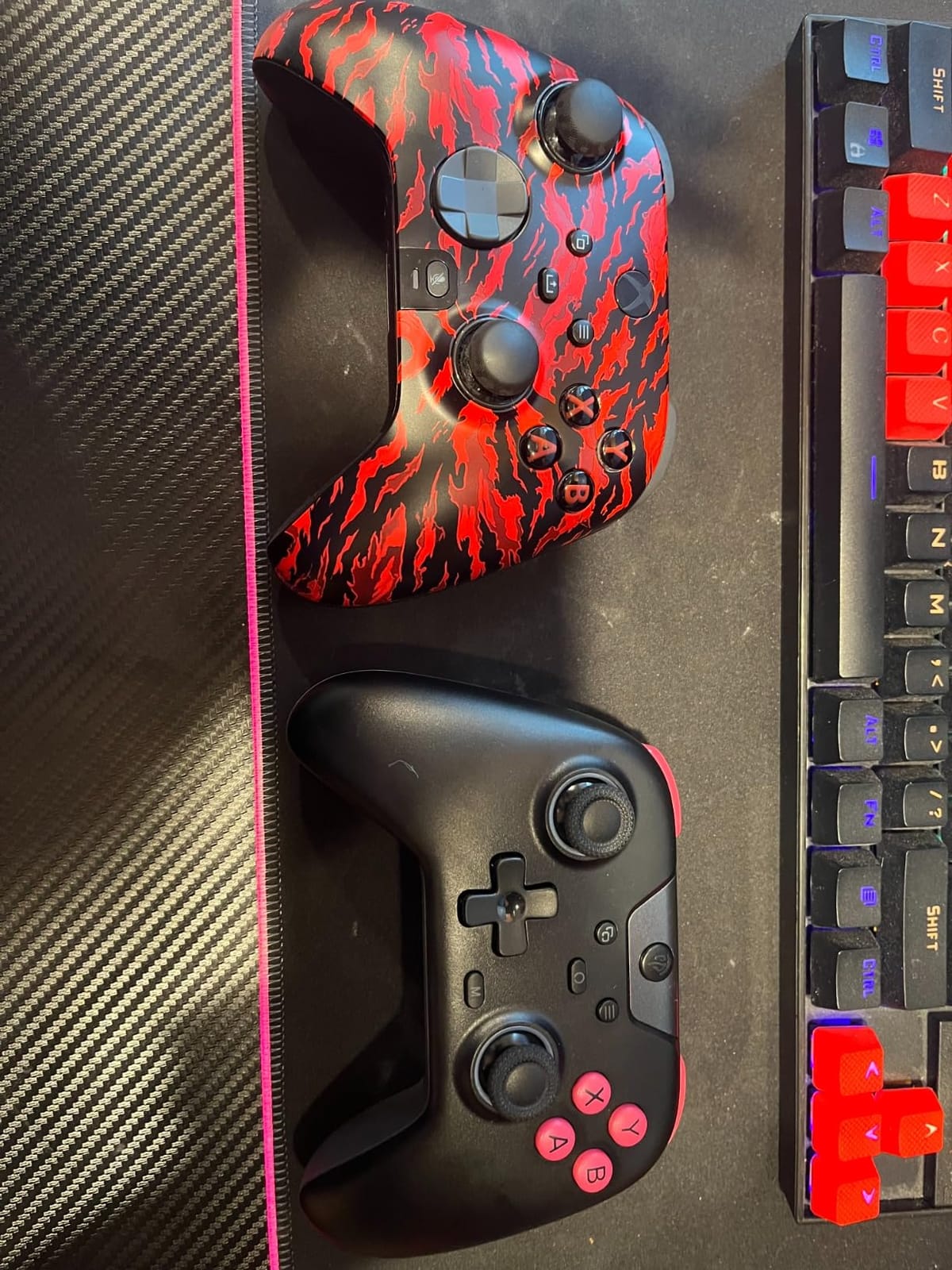
Connectivity is the strongest part of the design: Bluetooth, a 2.4G dongle and wired modes with a mode switch key, all freely switchable without a computer. The 2.4G connection is crisp with no noticeable input lag, which is why it works well on a Switch as well as a PC. Extra thumb grips and a ceramic USB-C charging cable come in the box, a small touch that matters when a child is gripping hard.
The honest negatives are worth reading. Battery life on full wireless is commonly reported at roughly 4 to 8 hours rather than the advertised 10, some owners report trigger or bumper hardware failure within a few months, and it does not auto-reconnect to the 2.4G dongle after sleeping, so a child will need to press something once. One reviewer had a faulty trigger replaced free of charge within a week, which is a good sign about support.
Who this pad suits
It suits a child aged about 8 and upward across PC, Steam Deck, Switch and phone play, particularly in a household where devices change or are shared. The hall effect sticks make it a safe long-term choice for a heavy thumb-on-the-stick player.
Who should look elsewhere
It is not for an Xbox or PlayStation household, nor for Luna or GeForce Now. At 11.2 ounces it is a full-size shell, so it is too big for a small child, and the missing auto-reconnect plus the real-world battery figure both mean it is not ideal for a child who cannot be asked to press a button before playing.
10. Surge Wired Xbox Junior Controller – Best Junior Layout for Ages 6-8
Wired Controller for Xbox Series X|S, Xbox One & Windows 10/11 PC – Junior Controller with LED Lighting, Non-Slip Grip, Rumble Feedback – Surge Livewire Microwatt (Blue)
20% smaller junior body
Wired USB
Dual rumble motors
0.33 kg
Pros
- 20 percent smaller body sized for younger players
- Keeps the official Xbox chipset and button layout
- Wired connection delivers zero input latency
- Textured non-slip grips triggers and thumbsticks
- Dual rumble motors and LED lighting
Cons
- Wired only with no wireless or battery option
- Smaller layout may feel cramped for adult hands
- Some owners report a shorter cable length
The Surge takes the official Xbox layout and simply shrinks it by 20 percent, which is a different approach from the true mini pads earlier in this list. A child who already knows their way around an Xbox controller recognises the button positions immediately, and there is no learning curve at all when the size changes.
That is a real advantage in a shared household. If a parent is handing a spare pad to a child for a few minutes of two-player co-op, familiarity beats novelty, because the child already knows which button is which. The detachable cable is also a small win for travel, since the controller packs down smaller than a wired pad with a fixed lead.
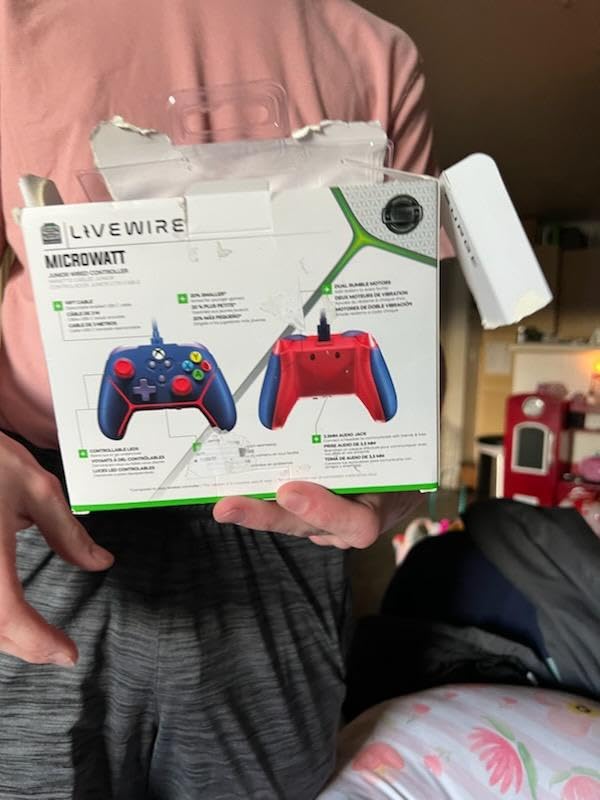
It is officially licensed for Xbox Series X, Xbox Series S, Xbox One and Windows 10 or 11 PC, and the official Xbox chipset with the familiar button layout is preserved exactly. The wired USB connection gives zero input latency, dual rumble motors provide real haptic feedback, and the anti-slip textured triggers, thumbsticks and palm grips help a small hand keep hold of it during a fast game.
Worth weighing the trade-offs carefully. It is wired only, so there is no wireless option and no battery to worry about, but play is tied to the console. The LED lighting is bright enough to double as a locator when a child has dropped the pad under furniture, and at 5.31 by 2.24 by 3.54 inches the reduced footprint is noticeable in the hand.
Who this pad suits
It suits a child aged roughly 6 to 8 on an Xbox console who already knows the official layout and needs something smaller but not drastically different. The zero-latency wired response also makes it a good fit for a child whose parents want no wireless complexity at all.
Who should look elsewhere
Adults with larger hands will find the reduced size cramped, so keep a full-size pad for co-op. Some owners report a shorter cable length that limits reach on a couch, and if your child plays on a Switch or a PlayStation rather than Xbox, none of this applies.
How to Choose a Controller for Kids by Age and Hand Size
Start with the console, because it removes almost everything else. A Nintendo Switch pad will not work on an Xbox and an Xbox pad will not work on a PlayStation, and no third-party company builds a pad that crosses those ecosystems. Multi-platform pads in this roundup split neatly into two groups: those covering Switch with PC, Steam Deck and phones, and those covering Xbox with PC, Steam Deck and Android. Pick your group first.
Then measure the hand. Lay your child’s hand flat, palm down, and measure the widest span from the tip of the thumb to the tip of the middle finger. Under about 13 centimeters points to a mini controller with no analog sticks or a compact pad. Between 13 and 16 centimeters points to a compact full-featured body such as the Lite 2 or the Tanto. Above 16 centimeters points to a standard full-size shell, and that is where most adult pads become comfortable.
Next, check the size band against the weight, which is the fastest proxy. Anything under 6 ounces is genuinely mini, and anything above 10 ounces is a full-size adult shell, and we would not put one in front of a child under about 8 unless the child is genuinely large for their age.
Finally, think about how many children share the console. One parent on the Facebook SwitchCommunity board was trying to find three extra controllers so a 2-year-old, a 3-year-old and a 5-year-old could play Mario Kart together, and the useful insight from that thread is that you do not need three identical pads. One full-size pad for the parent and mini pads for the youngest two is a workable and far simpler setup, and it gives you a natural co-op pairing where the adult uses a proper pad.
Where the setup matters as much as the controller, our guides to kids desks and kids bookcases cover the furniture side of a dedicated play space, including somewhere to dock a console and somewhere to put a charging cradle so a pad never goes missing.
If the same room doubles as a film room, our picks for the smart light controllers for movie scenes cover the other half of the setup, so a child can finish a game session and the room can switch to film mode without anyone hunting for switches in the dark.
Wired vs Wireless for Young Players
Most controller roundups are wireless-first because that suits adults. For children under 9, the honest answer flips: wired is usually the better default, and three of the ten pads here are wired for exactly that reason.
A wired pad removes three failure modes at once. There is no battery to run out mid-session, no pairing button to press incorrectly, and no 2.4GHz dongle to slide under a sofa and disappear. That last point is not hypothetical. Parents describe dongle loss as a recurring problem, and a child cannot re-pair a controller, they can only hand it to you.
Wireless earns its place when a child needs to move. For local co-op on a couch, a 10 foot cable like the one on the PowerA Wired Xbox pad is long enough. For a child who plays on the floor, on a bed, or who travels to a friend’s house with a Switch Lite, Bluetooth or a 2.4GHz dongle becomes the better option, and a rechargeable battery removes the coin-cell routine entirely.
There is a middle path that suits many families: a pad that offers Bluetooth, 2.4GHz and wired in one body. The EasySMX X05 is the clearest example in this list, with a mode switch key and no computer required to change connection. The only caveat is that it does not auto-reconnect to the 2.4GHz dongle after sleeping, so a child still needs to press one button before playing.
The same comfort-first logic shows up in other peripherals a child touches regularly, which is why our picks for the best DJ controllers follow a similar approach: controls a beginner can identify without being told twice.
Durability, Small Parts and Anti-Drift: A Parent Checklist
Avoid pads with detachable thumbstick caps or loose back paddles if there is a toddler in the house. This is the sharpest warning in the whole category, and it comes from a parent on r/GameStop asking whether a premium Elite-style pad was sensible for a six-to-nine-year-old: the sticks will fly off under the couch and the baby will eat them. A stick cap is a choking hazard, not just a warranty issue.
Prefer fixed sticks and fewer loose parts as a general rule. The 8Bitdo Micro and the 8Bitdo Zero 2 have no analog sticks at all, which removes the entire category of risk. The AceGamer Pocket goes further with lift-and-lock joysticks that retract into the body, protecting the most fragile component in transit. Sealed shells and moulded grips are also worth preferring over shells with exposed screws and seam gaps a curious four-year-old can work at.
Treat anti-drift as a child requirement, not a premium extra. Kids rest their thumbs on the analog sticks continuously, they lean on them during menus and dialogue, and they drop the pad more than adults do. That combination wears a conventional potentiometer stick far faster than normal use would, and the symptom a child experiences is a character that drifts on its own, which children read as a fault in their own hands.
Two pads here use Hall effect magnetic sensors in the sticks and triggers, which measure a magnetic field rather than a physical contact and therefore have no contact layer to wear. The Kuitmor Hello Kitty pad and the EasySMX X05 both qualify, and the PowerA pads use embedded anti-friction rings instead, which reduce stick friction but are not the same as a magnetic sensor. If your child already has drift on a cheaper pad, move up to Hall effect rather than buying the same category again.
Finally, factor the two-year warranty difference into your decision. The PowerA Enhanced Wireless pad and the PowerA Wired Xbox pad both carry a two-year limited warranty, and the HyperX Clutch Tanto carries two years. The 8BitDo Lite 2 and the Kuitmor pad carry one year. Over the three-to-five-year life of a child’s controller, warranty length is one of the few objective durability signals you can actually check before buying, alongside the weight and the presence of fixed sticks.
For an adult who wants a pad for local co-op with a child, the temptation is to hand over the mini pad. It usually works, as the Insert Credit forum notes about a tiny pad being comfortable enough for larger hands, but if you will play regularly, buy a second full-size pad for yourself instead. It is a better experience for you and it removes the argument about who gets to hold which pad.
Frequently Asked Questions
What is the best game controller for kids?
The PowerA Enhanced Wireless Controller for Nintendo Switch is the best all-round pick for children aged 6 and up, with an official Nintendo layout, a rechargeable battery rated at up to 30 hours and a light 10.88 ounce body. Under age 6, choose a genuine mini pad such as the 8Bitdo Micro at 24.8 grams instead of a full-size controller.
What are some good controllers for small kids?
For children aged 3 to 5, the 8Bitdo Micro at 24.8 grams and the 8Bitdo Zero 2 at 20 grams are the two strongest options because a small hand can wrap around the whole body. From about age 5 to 8, the 8BitDo Lite 2 and the HyperX Clutch Tanto keep real joysticks and triggers in a compact frame. All four are 2D or compact designs rather than full-size shells.
Do they make kid-sized Xbox controllers?
No official kid-sized Xbox controller exists. The closest official options are the standard Xbox Wireless Controller and the Elite Series 2, both adult-sized. The genuine small-hand choices are third-party compact pads such as the HyperX Clutch Tanto at 5.8 ounces and the Surge junior controller at 20 percent smaller, plus the Xbox Adaptive Controller for children with motor-control differences.
What is the best controller for people with small hands?
Measure the span from thumb tip to middle finger tip. Under about 13 centimeters points to a mini controller with no analog sticks, 13 to 16 centimeters points to a compact full-featured body such as the 8BitDo Lite 2 or the HyperX Clutch Tanto, and above 16 centimeters suits a standard full-size pad. Controller weight is the fastest proxy: under 6 ounces is mini, above 10 ounces is full-size.
Should I buy my kid a wired or wireless controller?
For children under 9, wired is usually the better default because there is no battery to run out, no pairing step and no 2.4GHz dongle to lose under furniture. A 10 foot cable is long enough for couch co-op. Choose wireless when the child moves around the room, plays on the floor or travels, and prefer a rechargeable model to avoid coin cells.
Why does my kid’s controller drift and should I buy anti-drift?
Drift happens when the physical contact layer inside an analog stick wears and no longer returns to a true neutral position. Children accelerate this because they rest their thumbs on the sticks continuously and drop the pad more often than adults do. Hall effect sticks and triggers measure a magnetic field instead of contact, so they do not wear. The Kuitmor Hello Kitty pad and the EasySMX X05 both use them.
Is Switch or PS5 better for kids?
For younger children the Switch is usually the easier starting point, because the hardware is portable, the controllers are compact and there is a large amount of age-appropriate software. PS5 is a stronger choice once a child is around 9 or 10 and wants a more grown-up library. Either way, no third-party pad can wake a Switch 2 from sleep, so check that limitation before buying a cheaper pad.
Which Controller Should You Buy for Your Child?
For a Switch household with a child aged 6 or older, the PowerA Enhanced Wireless Controller is the pick, because it is light, officially licensed and practically never needs charging. For an Xbox household, the PowerA Wired Controller is the safest long-term choice and the easiest for a child to pick up without help. For a child under 6, start with the 8Bitdo Micro or the Zero 2, and move up to the 8BitDo Lite 2 when they want 3D games.
If the same child drifts sticks or drops the pad constantly, move up to a Hall effect model such as the Kuitmor Hello Kitty pad or the EasySMX X05 rather than replacing within the same category. And if a toddler shares the room, choose fixed or retractable sticks, because that is the failure mode that turns a dropped controller into a safety problem.
That is the whole of the best controllers for kids gaming decision in 2026: match the pad to the console, match the size to the hand, and treat drift resistance and stick security as non-negotiable for a child. Use the price buttons on each card to check the current figure, and buy the one that matches the age band rather than the one with the biggest numbers on the box.